
📡 Vision Capture Pro
High-fidelity 4K screen recording for professional demos and tutorials.
Ready for stream initialization…
Vision Capture Pro: The Best Free 4K Screen Recorder Online
Are you searching for a reliable, free 4K screen recorder that doesn’t force you to download and install clunky software? Look no further. In today’s fast-paced digital landscape, whether you are a content creator, an educator, or a business professional, you need a quick, seamless way to capture your screen in high definition. Enter Vision Capture Pro.
We understand the frustration of needing a simple browser screen recorder only to be met with trial limitations, intrusive watermarks, or complex setup processes. Vision Capture Pro is the ultimate solution, built directly into your web browser. This powerful web-based screen recording tool allows you to record your screen online with sound instantly, without a single installation, all while delivering stunning free 4K quality.
What is Vision Capture Pro?
Vision Capture Pro is a state-of-the-art online video screen capture utility designed to meet the demands of modern high-fidelity recording. It empowers you to capture any application, browser tab, or your entire desktop directly from your browser. Leveraging modern web technologies, it offers pro-level features—including the ability to record desktop screen free in 4K Ultra HD—without the associated costs or overhead of traditional desktop applications.
Key Features of Our Free Online Screen Recorder
🎬 Free 4K Ultra HD Support: The standout feature that elevates this tool is its native support for high-resolution 4K capture, ensuring your demos and tutorials look sharp and professional on any display.
🚫 No Installation Required: As a pure no download screen recorder, you only need your web browser to start capturing. Skip the installation wizard and the security risks.
🔊 System Audio Loopback: Vision Capture Pro can record screen with sound in browser. Capturing your computer’s internal audio—essential for gameplay, presentations, or video analysis—is seamless.
💧 No Watermark: We believe your content is yours alone. Our tool provides clean, screen recording without watermark functionality, giving you a professional-grade video every time.
⚡ Lightweight & Fast: It is designed as a lightweight screen recorder browser tool. It has a negligible impact on system resources, ensuring smooth recording sessions even at high resolutions.
🚀 High-Bitrate MP4 Encoding: Your session is captured and encoded using efficient, high-quality standards, providing an MP4 file ready for immediate use, editing, or sharing.
How to Use This Simple Screen Recorder Online (Step-by-Step)
Getting started with Vision Capture Pro is incredibly intuitive. Our Command Center and Capture Feed are designed for a smooth workflow.
Initialize the Recording: Navigate to the tool and click the neon “⏺️ Initialize Recording” button in the Command Center. Your browser will prompt you to select what you want to share: your entire screen, a specific window, or a tab. For maximum detail, ensure the “Share Audio” checkbox is selected if you want to capture sound.
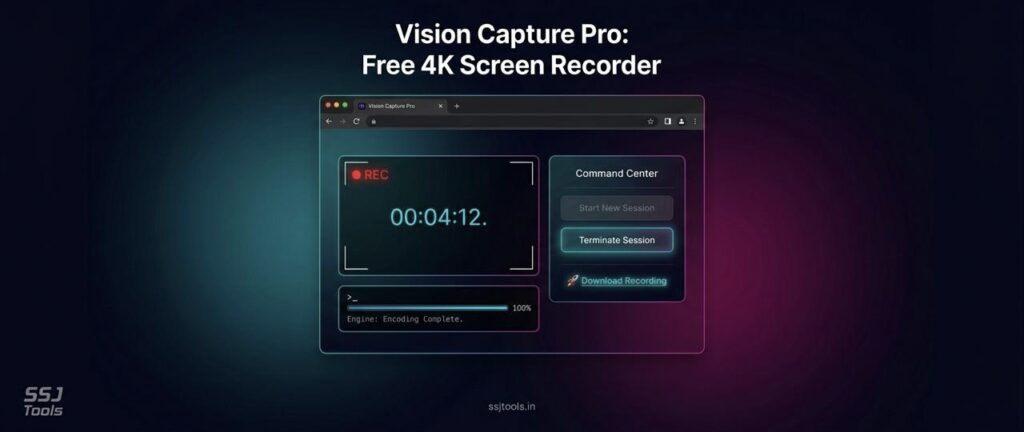
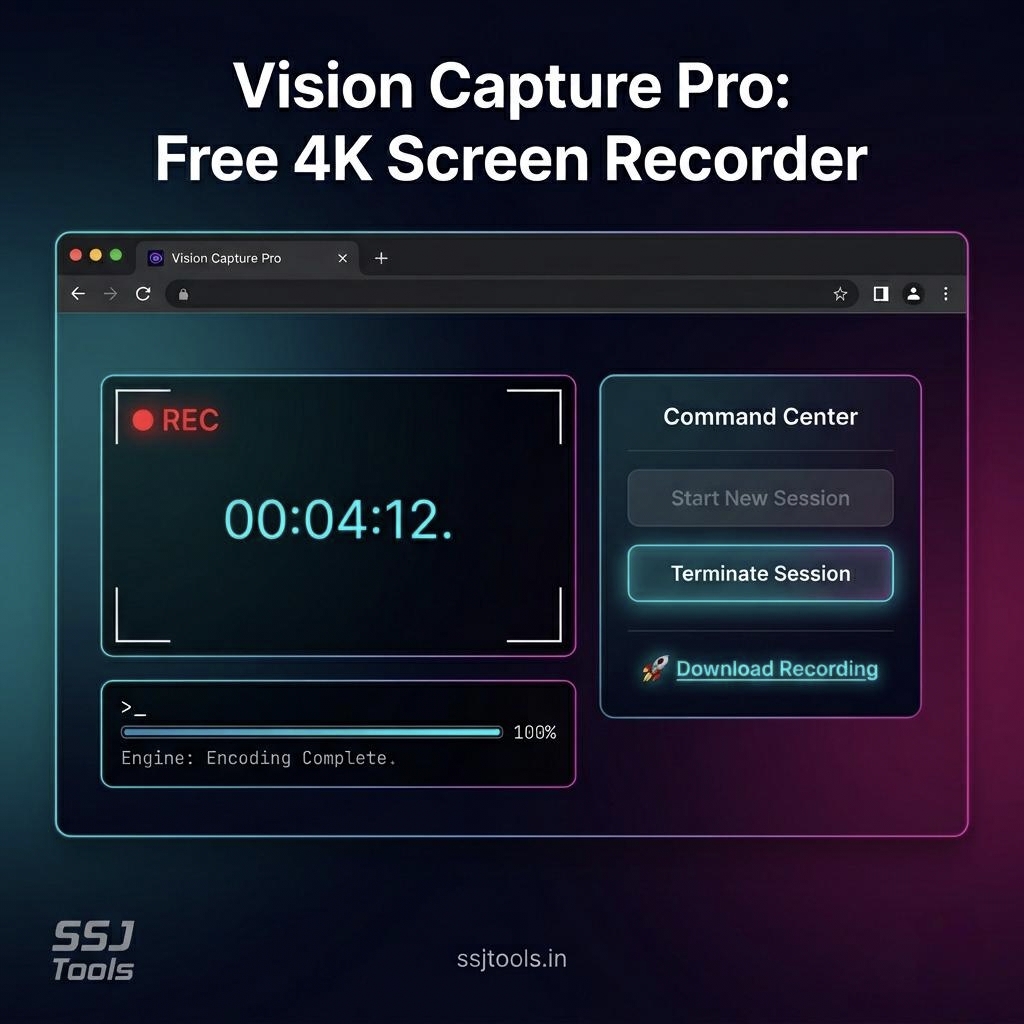
Monitor Your Stream: The tool will show a live view in the “📡 Vision Capture Pro” preview frame. You will see a blinking “REC” indicator and a running timer to track your session duration.
Conduct Your Capture: Perform your demo, tutorial, or presentation. The tool works in the background as you focus on your content.
Terminate the Session: When you are finished, click the “⏹️ Terminate Session” button in the Command Center.
Download Your Recording: Once the recording stops, the tool processes and encodes your video. A “🚀 Download Recording” link will appear in the success card. Click it to save your high-bitrate MP4 recording to your device.
Why Choose Vision Capture Pro for Your Screencasting Needs
There are numerous options for screen recording software for PC, so why choose our web-based tool? Vision Capture Pro offers the perfect balance of accessibility and quality.
It addresses the three biggest pain points users face with existing tools: complexity, cost, and resolution.
Unlike other solutions that require premium subscriptions for high-definition exports, Vision Capture Pro provides free 4K screen recorder capabilities by default. It eliminates the hassle of managing desktop software while maintaining professional quality. This makes it a compelling video recording software alternative for those looking for speed, simplicity, and superior resolution.
Top Use Cases for Vision Capture Pro
Vision Capture Pro is versatile, making it the perfect tool for a variety of tasks:
Professional Demos and Tutorials: Create high-fidelity video guides showing product features, software workflows, or educational content in sharp detail.
Gameplay Recording: Capture your best gaming moments in 4K resolution directly from your browser.
Capture Online Meetings and Calls: Record important Zoom, Teams, or Google Meet sessions, including audio, for future reference.
User Testing: Record user interactions with websites or applications to gather crucial feedback.
Bug Reporting: Share exact screen state and steps to reproduce technical issues with support teams.
Tips for Best Results with Your 4K Recorder
Browser Choice: For the best performance, especially at 4K resolution, use a modern browser that supports the necessary web technologies, such as Chrome or Edge.
Hardware Considerations: High-resolution recording in a browser requires significant system resources. Ensure you have adequate hardware (CPU, memory) for a smooth capture experience.
Resolution Settings: Check your operating system’s display settings and the applications you are capturing to match your desired output resolution.
Testing Audio: Before starting a long session, perform a quick test recording to confirm that system audio is being captured correctly.
FAQs (Frequently Asked Questions)
Q: Is Vision Capture Pro really free? A: Yes, it is a completely free online screen recorder. There are no hidden fees or charges.
Q: Can I record screen without watermark using this tool? A: Absolutely. Our tool does not add any watermarks to your recorded videos.
Q: Does it support recording external audio (microphone)? A: The current version focus is on capturing system audio via loopback. While modern browsers allow selecting microphone inputs, this version of the tool is optimized for system sounds and internal audio.
Q: Where can I find my downloads? A: When you click “🚀 Download Recording”, the file is saved directly to your device via your browser’s default download location (usually your “Downloads” folder).
Q: Is this a good OBS alternative for Mac or Windows? A: If you only need a high-quality, instant, no download screen recorder for capturing, this is an excellent, lightweight OBS alternative. It’s much faster to start, though it does not include streaming capabilities or advanced scene management.
Q: Can I use this for complex tasks like record netflix or gameplay? A: It’s excellent for gameplay. However, due to copyright protection, recording streaming services like Netflix in any browser recorder often results in a black screen. This is a browser limitation, not a fault in the tool.
Conclusion
Vision Capture Pro stands out as a powerful, elegant, and modern solution for your high-resolution recording needs. Stop settling for low-quality captures or cumbersome software. Use our free 4K screen recorder today to experience seamless, professional-grade screencasting directly in your browser. Give it a try now and elevate your content.