
Few things are as stressful for a creator as watching a high-performing video suddenly fall off a cliff. In my experience, most creators assume they’ve been “shadowbanned” when, in reality, they are simply victims of an algorithmic shift. To fix this, you need a data-driven approach. Implementing a systematic YouTube Video Rank Tracking protocol is the only way to move from panic to a practical solution.
The Panic Phase: Why Your Views Just Hit a Brick Wall
Defining the “Ghosting” Phenomenon in Modern Video SEO.
“Ghosting” occurs when a video that was previously easy to find suddenly disappears from the top search results. What I’ve observed is that the video is often still indexed, but its “relevance score” has dropped, pushing it to the deep pages where no one scrolls.
Is it a Shadowban or just a “Content Refresh” cycle?
From working with clients, I’ve found that true shadowbans are rare. More often, YouTube is running a “Content Refresh” cycle, giving newer videos a chance to prove their worth. If your metrics aren’t strong enough to defend your spot, you get displaced.
Why YouTube Video Rank Tracking is the first step in emergency triage.
Before you change a single word in your title, you must know your baseline. Tracking where you stand across multiple search terms allows you to see if the problem is isolated to one topic or if your entire channel is losing authority.
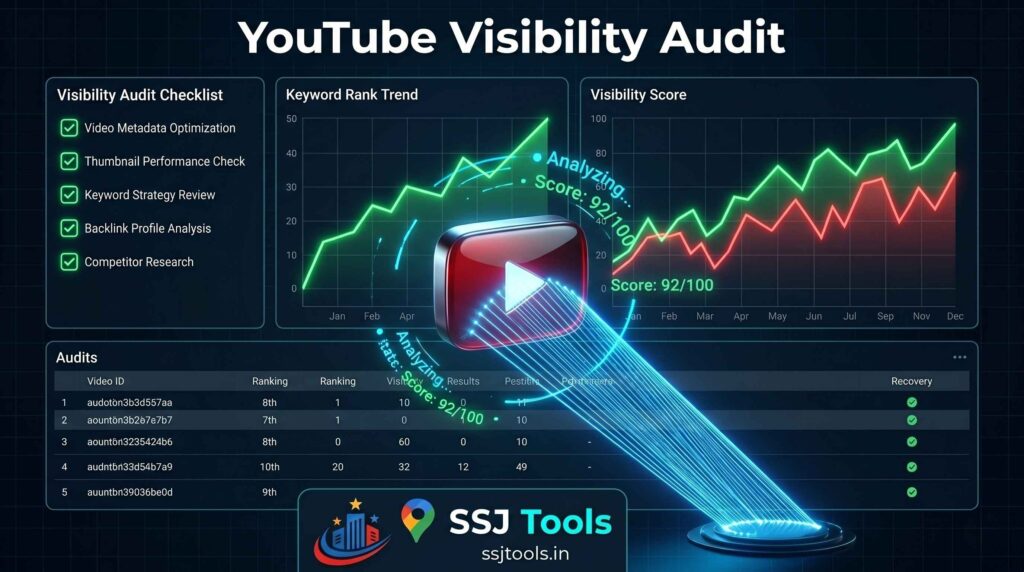
CHECKLIST ITEM 1: Perform a Batch “Pulse Check”
Using the YouTube Video Rank Checker to isolate the damage.
The first thing I do during a traffic drop is run a batch scan. You cannot rely on manual searches because your own history biases the results.
How to scan your top 10 keywords simultaneously to find the “Point of Failure.”
Using the YouTube Video Rank Checker at SSJ Tools, enter your primary and secondary keywords in one go. If you are still ranking for 8 out of 10 keywords, you don’t have a channel problem; you have a specific keyword competition problem.
Distinguishing between keyword-specific drops and channel-wide suppression.
In practice, if your video ranking drops across every single keyword, it usually signals a metadata violation or a “soft” penalty. If it’s just one or two terms, a competitor has likely out-optimized you.
CHECKLIST ITEM 2: Audit the Competition for “SERP Displacement”
Identifying the “New Authority”: Who took your spot?
Search Engine Results Pages (SERPs) are real estate. If you moved to page two, who moved to page one? Look at the videos currently outranking you.
Comparing your metadata against the new Top 3 using a youtube seo tool free.
Check their titles, the length of their descriptions, and their pinned comments. Using a youtube seo tool free can help you identify if they are using newer, high-volume tags that you’ve missed.
Expert Insight: The role of “Search Intent Shifts” in video ranking volatility.
What I’ve observed is that search intent changes seasonally. A “How-to” video that ranked in the summer might be displaced by “Best of” lists in the winter. Your video ranking is always at the mercy of what the user wants now.
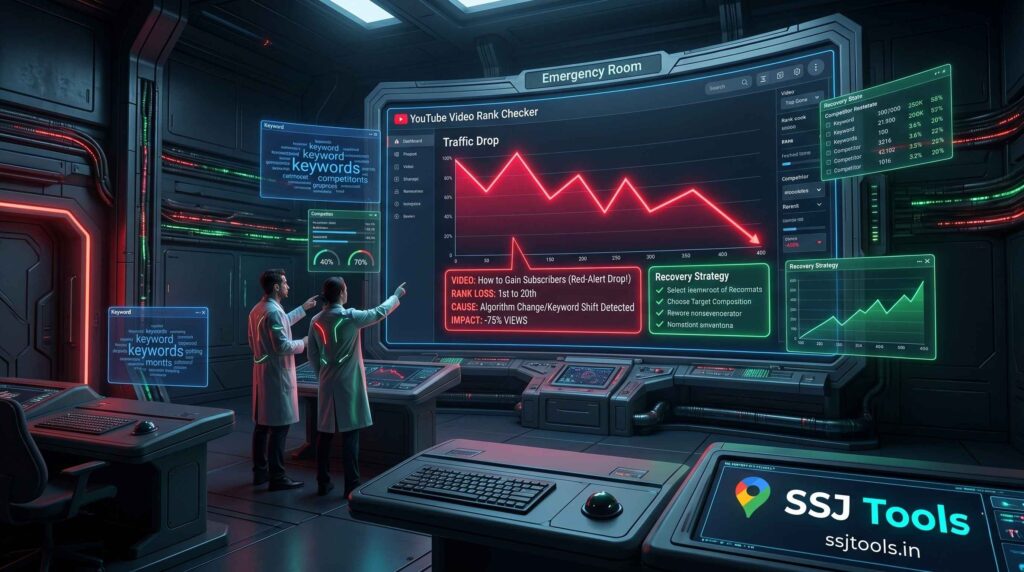
CHECKLIST ITEM 3: Conduct an Incognito Visibility Test
Running the “Incognito Protocol” via SSJ Tools.
The YouTube Video Rank Checker effectively runs an “Incognito Protocol” by querying YouTube without your user data. This is the only way to see the “Raw Rank.”
Why your personal browser history is lying to you about your actual video ranking.
YouTube wants to show you what you like. Because you’ve watched your own videos, they will often appear higher in your personal search than they do for a stranger. If the tool shows you at #20 but your phone says #2, believe the tool.
CHECKLIST ITEM 4: Verify Your Search Suggest Presence
How to track youtube keyword rankings to see if you still appear in auto-complete.
Start typing your keyword in the YouTube search bar. If your video used to pop up in the suggestions but now doesn’t, you’ve lost “suggested authority.”
In my experience: What it means when you rank for tags but not for titles.
If you track youtube keyword rankings and find you rank for obscure tags but not your main title, the algorithm no longer finds your main hook relevant. You need a “Title Pivot.”
CHECKLIST ITEM 5: The Metadata Resuscitation Plan
Actionable Steps: Refreshing “Stale” Titles and Descriptions.
Do not delete the video. Instead, refresh the first 200 characters of your description. Add fresh, relevant keywords that have gained popularity since you first uploaded.
Best Practices for “CTR-First” re-optimization to signal the algorithm.
YouTube ranks what people click. If you are dropping, change your thumbnail to something higher contrast. A sudden spike in CTR is the fastest way to rank youtube videos back in the top 5.
CHECKLIST ITEM 6: Monitor the Re-Indexing Window
The 14-Day Observation Rule: Patience in how to rank youtube videos.
After making changes, stop touching the metadata. In practice, it takes about two weeks for the algorithm to re-categorize and re-rank your content.
Real-world experience: Why checking too often can lead to “Edit Fatigue.”
I’ve seen creators change their titles every three days in a panic. This resets the ranking clock every time. Change once, then wait.

CHECKLIST ITEM 7: Establish a Proactive Monitoring Loop
Benefits of Weekly Batch Tracking: Moving from reactive to predictive SEO.
Instead of waiting for a crash, use the YouTube Video Rank Checker weekly. If you see a slow “rank bleed” (dropping from #2 to #5 to #8), you can fix it before the traffic disappears.
Common Mistakes: Ignoring the “Rank Bleed” until traffic hits zero.
Most creators only look at their stats when the views stop. By then, recovery is 10x harder. Consistent YouTube Video Rank Tracking turns surprises into manageable tasks.
Frequently Asked Questions
How can I rank youtube videos on the Google Video tab specifically?
Focus on high-quality schema in your description and ensure your video has clear “Chapters,” as Google loves indexing specific segments.
What is the difference between “Ghosting” and a low CTR?
Ghosting means you aren’t being shown. Low CTR means you are being shown, but no one wants to click. One is an SEO problem; the other is a design problem.
Can the YouTube Video Rank Checker detect if my video is age-restricted?
If your rank drops to zero across all keywords in the tool but the video is still “Public,” check your email for a restriction notice.
How many keywords should I track simultaneously for a single video?
I recommend tracking 5–10 keywords: your main “seed” phrase and several long-tail variations.
Does the location of the searcher change my video ranking significantly?
Yes. YouTube results are localized. However, the YouTube Video Rank Checker provides a standardized global search baseline.
What should I do if my video doesn’t appear in the Rank Checker at all?
This suggests a “De-indexing” issue. Check your video’s “Visibility” settings and ensure there are no active copyright strikes.