Combine & Shrink Your Documents Securely: The 100% Private Way to Merge PDFs Online
Finding a fast, free, and reliable pdf compressor and merger online often means compromising your data privacy. Most web-based utilities force you to upload corporate files, financial logs, or personal records to remote cloud servers.
What if you could merge pdf online free and reduce pdf size simultaneously without your data ever leaving your computer?
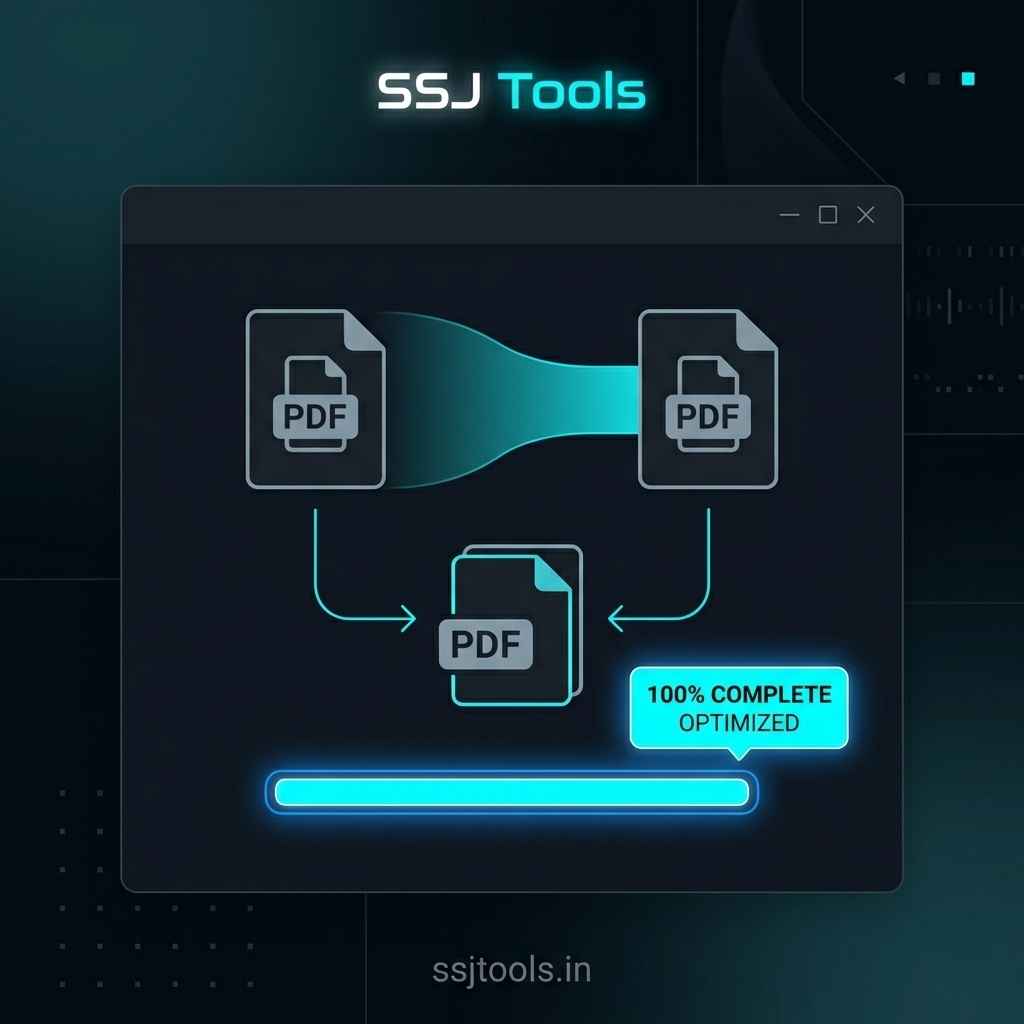
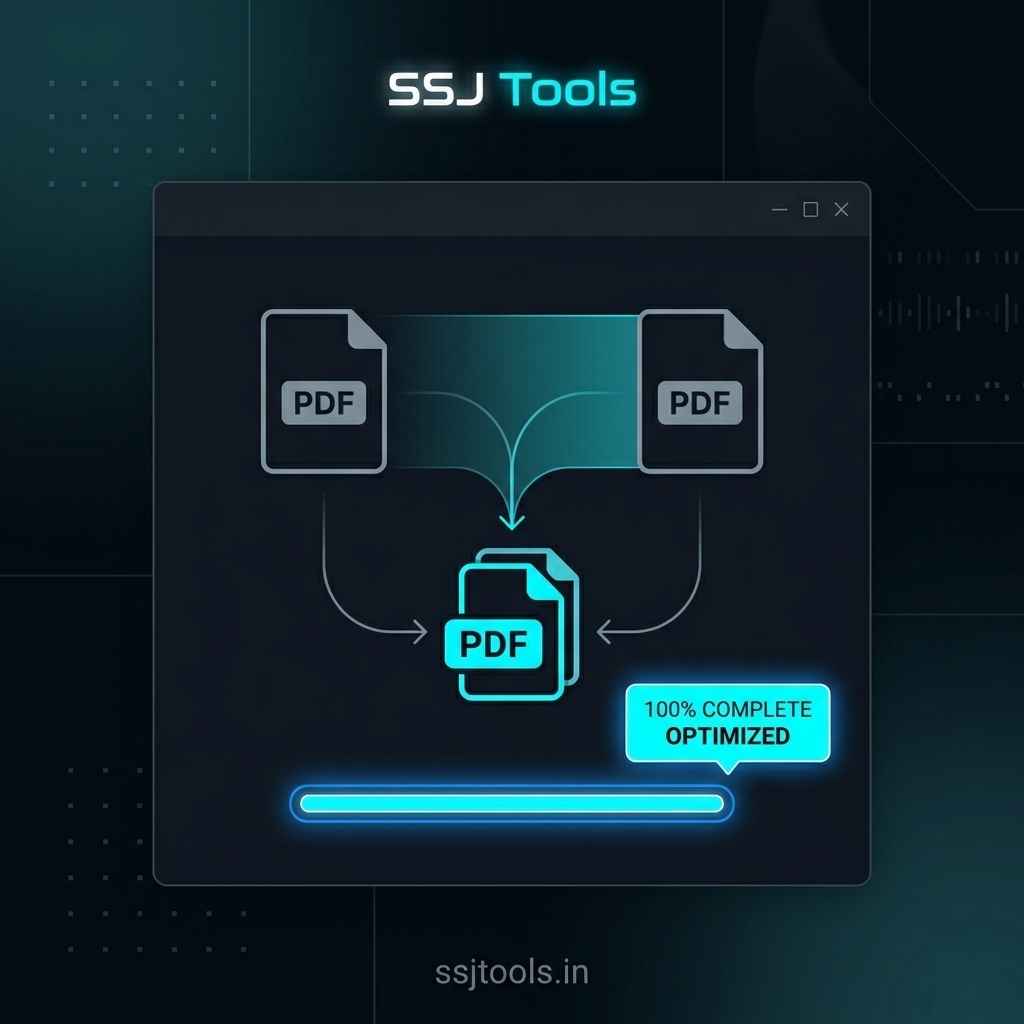
The SSJ PDF Compressor & Merger by SSJ Tools – Free Digital Tools Platform (www.ssjtools.in) solves this critical security headache. It serves as a true client-side pdf all in one tool that handles your file actions completely inside your browser window. In my experience auditing document workflows, this local processing approach eliminates interception risks while delivering rapid file optimization. Let’s explore how you can use this standalone pdf toolkit to safely streamline your document management pipeline.
 Real-World Scenarios: When Dual PDF Processing Saves the Day
Managing separate files slows down administrative pipelines across various global industries. In practice, a combined pdf optimizer and merger handles several distinct modern operational demands.
 Legal & Executive Contract Assembly
Attorneys and executives frequently need to combine pdf documents such as main service agreements with detailed addenda, sign-off pages, or scanned identity verifications. Instead of relying on a clunky offline pdf editor merge license, you can execute a secure pdf to pdf merge right inside your browser session to create uniform, professional records.
 Consolidating Quarterly Financial Data with Appendices
Corporate accounting teams often compile multi-page financial projections alongside independent expense receipts. A common workflow is to merge these elements together. Using an online pdf merger free that doubles as a pdf size reducer allows you to attach appendices and simultaneously shrink pdf file sizes so they stay within strict corporate email attachment boundaries.
 Combining Student Portfolios and Academic Applications
Students compiling university applications often need to submit a comprehensive portfolio. This typically requires a tool to merge multiple images into one pdf or tie reference letters directly to main application forms. Using a streamlined pdf file merger ensures assignments, grade reports, and design assets match submission criteria perfectly.
 Speeding Up Daily Administrative Workflows
From human resource managers assembling onboarding packets to freelancers organizing design briefs, combining disparate files is a universal challenge. Workers frequently look for ways to merge jpgs into one pdf, merge png to pdf, or bundle cross-departmental logs. Relying on an open-access pdf utility tool saves hours of administrative overhead every single week.
 Inside SSJ PDF Compressor & Merger: Local Security Redefined
 The Dangers of Uploading Sensitive Data to Cloud Converters
What I’ve observed over the years is that standard online pdf compressor platforms pose subtle security risks. Traditional cloud utilities transfer your data to external servers for remote compilation. For sensitive tax records, medical files, or proprietary business concepts, this process exposes your operations to possible data leakage or automated file-retention liabilities.
 True Client-Side Execution: Your Documents Never Leave Your Device
The SSJ PDF Compressor & Merger completely rewrites this process. Your text, layouts, and embedded images remain entirely within your local system memory. The application acts as a standalone pdf converter and merger workspace that handles all processing on your device, providing absolute privacy for security-conscious enterprises.
 Instant Browser-Based Rendering for Faster Turnaround Times
Because there are zero time-consuming uploads or downloads from external servers, the conversion happens almost instantly. Whether you use a pdf merge mac setup or look to merge pdf windows layouts, this browser application processes structural elements in real time, making it an excellent fast pdf compressor and merger solution.
 Step-by-Step: Assembling Your Consolidated Document
The user workspace is built for quick execution. You do not need to read complex user guides or install third-party software extensions to get results.
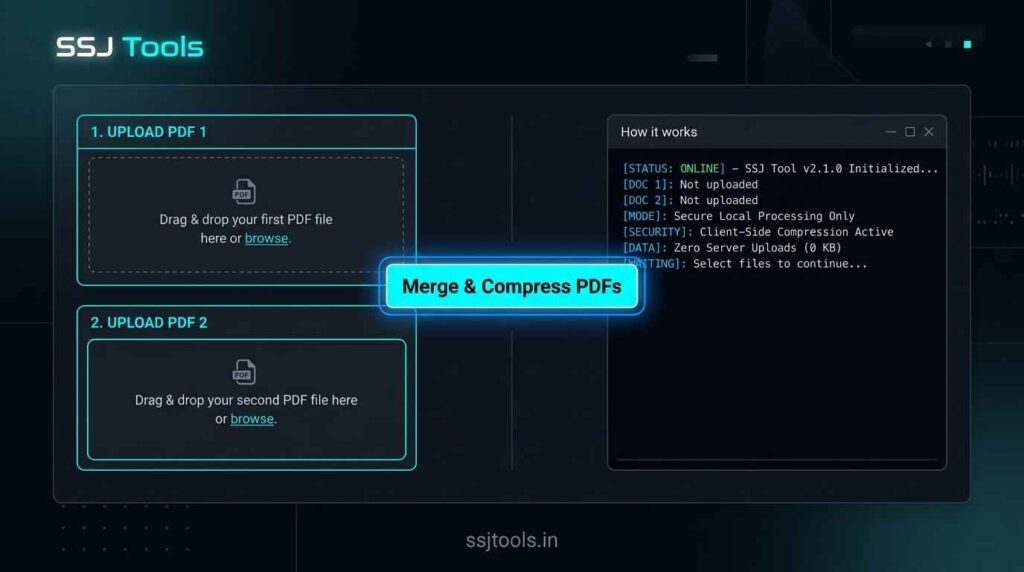
[Select PDF 1] + [Select PDF 2] ➔ Click "Merge & Compress" ➔ Instant Local Download
 Step 1: Uploading Your First Component
Navigate to the tool interface at www.ssjtools.in. Locate the first designated folder input zone marked “Select First PDF”. Click the dashed field area to select a locally saved file from your system storage directory.
Step 2: Selecting Your Second Component
Move down to the secondary zone labeled “Select Second PDF”. Choose your subsequent file or matching image bundle. The system interface holds both assets in your local browser window, awaiting your confirmation.
 Step 3: Triggering the One-Click Fusion Engine
Once both components are staged, the high-visibility neon action button labeled “Merge & Compress PDFs” will light up. Click this button to launch the optimization process. A live, reactive progress tracking bar will monitor the structural consolidation dynamically.
 Step 4: Accessing Your Optimized Download
When the processing status bar hits completion, a secure download link appears on your screen. Click the “Download Merged PDF” button to immediately save your freshly compressed, unified document file.
 Optimize Your File Workflow Instantly
Ready to Build a Cleaner Document? Try the Secure Merger Now
Stop exposing your proprietary documents to cloud storage vulnerabilities. Scale down your attachment profiles, clean up cluttered file systems, and organize your business assets with absolute privacy. Head over to the SSJ PDF Compressor & Merger page on www.ssjtools.in to merge, compress, and secure your files today.