
📝 Word Counter
Real-time text analytics and character tracking engine.
Monitoring keystrokes…
0
Word Counter: The Ultimate Real-Time Text Analysis Engine
In the fast-paced world of digital content creation, precision is everything. Whether you are a student rushing to meet an essay limit, a social media manager crafting the perfect tweet, or an SEO specialist optimizing meta tags, knowing your exact word and character count is vital.
The SSJ Tools Word Counter is a high-performance, real-time text analytics and character tracking engine designed to give you instant insights into your writing. No more guessing or manual counting—just paste your text and let our “SSJ Text v4” engine do the heavy lifting.
What is the SSJ Word Counter?
The SSJ Word Counter is a professional-grade, free online word and character counter tool. Unlike basic counters, this tool functions as a “Live Sync” terminal, meaning it processes your keystrokes as you type. It provides a deep dive into your content’s metrics, helping you maintain the perfect length for any platform.
Key Features of Our Text Counter Tool
Based on the advanced SSJ Text v4 architecture, our tool offers several high-end features:
-
Real-Time Processing: The “Live Sync” engine updates your stats instantly with every keystroke.
-
Detailed Character Metrics: Get counts for total characters and character counts without spaces.
-
Visual Process Stream: A sleek progress bar and status log monitor your text stream in real-time.
-
Multi-Line Support: Handles everything from short snippets to long-form articles effortlessly.
-
Dark Mode UI: A modern, neon-glow interface designed to reduce eye strain during long writing sessions.
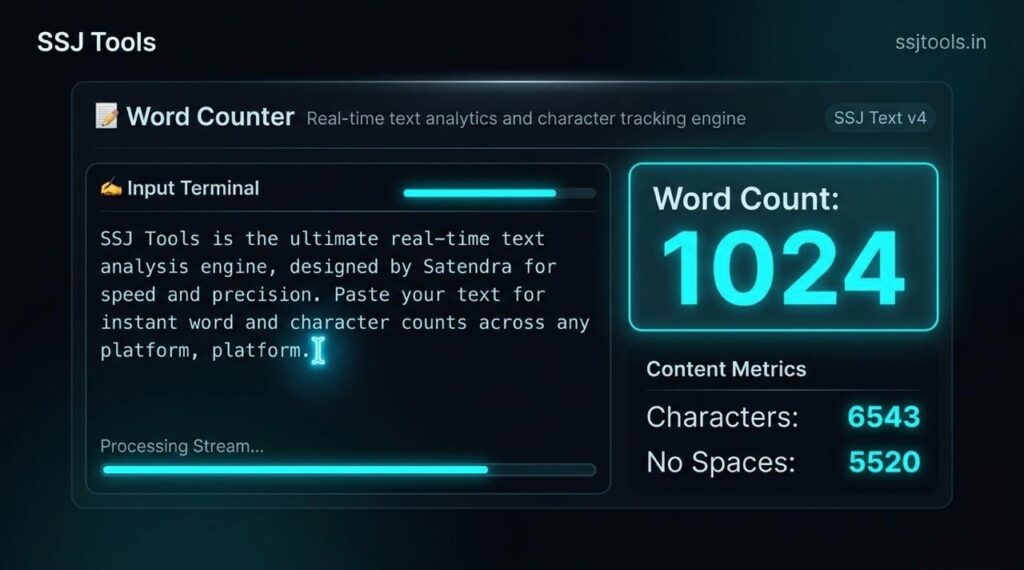
How to Use This Tool (Step-by-Step)
Using our online writing tool with word counter is incredibly simple:
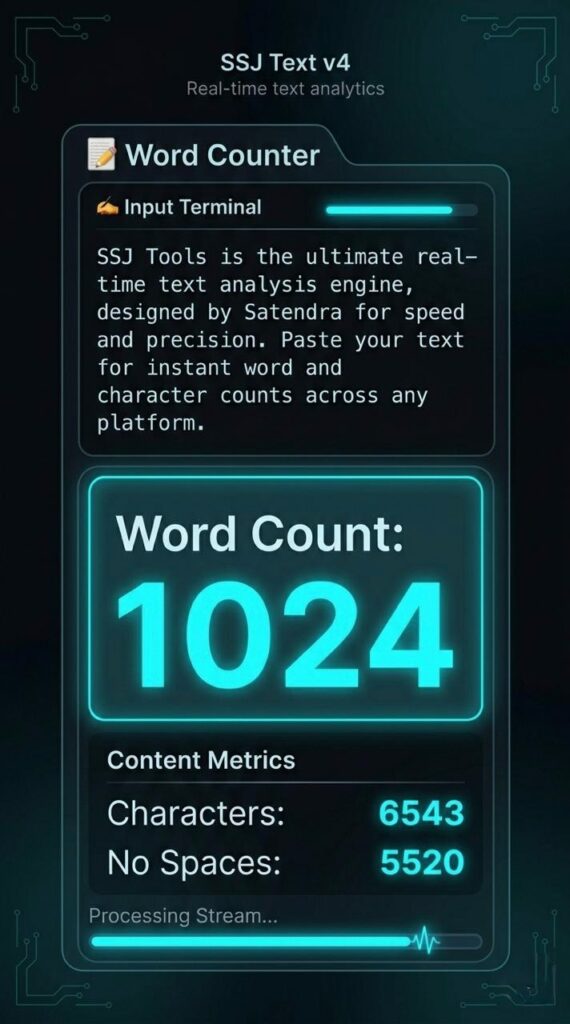
Access the Terminal: Navigate to the “Input Terminal” section of the tool.
Input Your Text: Type directly into the box or paste your content from a PDF, Word document, or website.
Monitor the Stream: As you input text, the “Process Stream” bar will activate, showing you that the engine is analyzing your data.
View Results: Check the “Content Metrics” panel on the right to see your Word Count, total Characters, and Characters (No Spaces) immediately.
Why Choose SSJ Tools for Content Analytics?
When searching for the best SEO word counter for content writers, reliability and speed are the top priorities.
100% Free: No hidden costs or premium tiers.
Privacy First: Your text is processed locally in your browser; we don’t store your content.
Accuracy: Our algorithm uses precise regex patterns to ensure an accurate word counter for essays and blogs.
Mobile Optimized: The responsive design ensures you can check word counts on your phone just as easily as on a desktop.
Common Use Cases
SEO Specialists: Checking if meta titles and descriptions stay within the 60 and 160-character limits.
Students: Ensuring college essays meet strict minimum or maximum word requirements.
Social Media Managers: Crafting posts for platforms like X (formerly Twitter), LinkedIn, and Instagram.
Authors & Bloggers: Tracking daily writing goals and article length.
Developers: Counting string lengths for code documentation.
SEO Benefits of Using a Word Counter
Search engines like Google don’t just look at keywords; they look at content depth. Using an article word counter helps you hit that “sweet spot” for ranking. Most top-ranking pages have a comprehensive word count (often 1,000+ words). By using our live word counting tool for articles, you can ensure your content is long enough to provide value but concise enough to remain engaging.
Tips for Best Results
Clear Formatting: Before pasting, remove any unnecessary HTML tags to get the most accurate count.
Watch the Spaces: If you are writing for a platform with a character limit (like an SMS or ad), always look at the “Characters” stat. If it’s for a technical limit, “No Spaces” might be more relevant.
Live Editing: Use the tool as a notepad. Write your draft directly in the “Input Terminal” to stay aware of your length as you create.
Frequently Asked Questions (FAQs)
1. Is there a limit to how many words I can count?
No. Our engine is built to handle large text streams, making it a perfect word counter for PDF content or long-form essays.
2. Does this tool count symbols and emojis?
Yes, the character counter online treats symbols and emojis as characters, ensuring you have an exact count for social media posts.
3. How does “Character Counter Without Spaces” help?
Some academic and technical submissions require a count of actual letters and numbers only. This metric allows you to see the density of your content without the “filler” of whitespace.
4. Is the SSJ Word Counter safe to use?
Absolutely. We do not save or monitor your text. Once you refresh the page, your data is cleared from the terminal.
5. Can I use this for word count in Word or Google Docs?
Yes! Simply copy the text from your document and paste it into our tool for a fast, live secondary verification.
Conclusion
The SSJ Tools Word Counter is more than just a simple calculator; it is a dedicated writing assistant designed for the modern web. Whether you need a free character counter for a quick tweet or a robust text length analyzer for a professional whitepaper, our tool provides the accuracy and speed you need.
Start optimizing your content today at www.ssjtools.in!