Pro Image Studio | SSJ Developer

🖼️ Pro Image Studio

Precision resizing with multi-format export & zero quality loss.

No file selected
Engine Status:

Awaiting file upload…

Preview
🖼️

Optimized image will appear here

Lanczos High-Res
Multi-Format (PNG/JPG/WebP)
SSJ Engine v2.0

Powered By SSJ Developer
💖 Designed by Er. Keshav Kushwaha 💖

Pro Image Studio: The Ultimate All-in-One Image Editor and Web Resizer

In the fast-paced digital world, images are the heartbeat of engagement. However, high-resolution photos often come with heavy file sizes that slow down your website and hurt your SEO rankings. Finding a balance between visual crispness and technical performance is a challenge for every creator.

Whether you are a blogger, a web developer, or a social media manager, you need a reliable image editor that doesn’t require a steep learning curve or expensive software downloads. Enter Pro Image Studio by SSJ Tools—your professional-grade, browser-based solution for precision resizing and high-fidelity image optimization.

What is Pro Image Studio?

Pro Image Studio is a sophisticated online image editor and web resizer designed for users who demand precision. Built on the powerful SSJ Engine v2.0, this tool allows you to manually adjust dimensions, convert formats, and compress file sizes in real-time.

Unlike basic editors, our tool uses Lanczos High-Res resampling, ensuring that when you edit image online free, you don’t lose the sharp details that make your visuals stand out. It is a dedicated image SEO tool designed to help your website load faster without sacrificing aesthetic appeal.

web resizer, image optimization tool

Key Features of Our Image Editing Tool

Our web-based image editor is packed with features usually reserved for premium software:

  • Multi-Format Export: Seamlessly switch between PNG (Lossless), JPEG (Optimized), and WebP (Next-gen web format).

  • Precision Resizing: Use the manual image resizer to set exact pixel widths and heights.

  • Aspect Ratio Lock: Maintain the perfect proportions of your photos with a single click.

  • Target File Size Compression: Specify your desired KB or MB limit, and our engine will execute iterative compression to meet it.

  • Real-Time Terminal Log: Watch the “Engine Status” as it renders and resamples your data.

  • Zero-Server Uploads: Your privacy matters. All processing happens locally in your browser—your images never touch our servers.

How to Use This Tool: A Step-by-Step Guide

Using our online photo editing tool is intuitive and lightning-fast. Follow these steps to optimize your visuals:

  1. Upload Your File: Click the “Choose Image” button to select a file from your device. Our browser image editor supports all major formats.

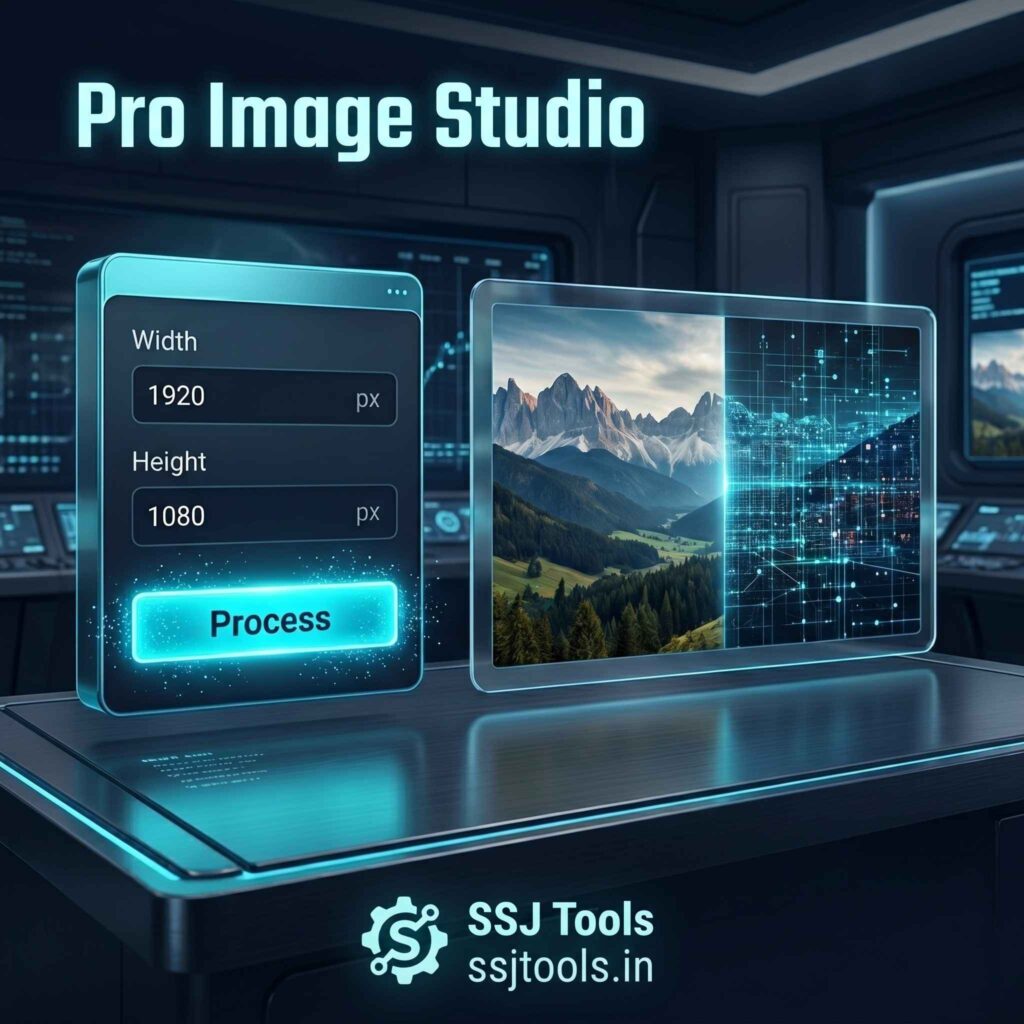
  2. Set Dimensions: Enter your desired Width and Height in pixels. Keep the “Lock Aspect Ratio” box checked to prevent stretching.

  3. Configure Output: Select your target format (WebP is recommended for website speed).

  4. Set Target Size (Optional): If you need the file to be under a specific size (e.g., for a form upload), enter the value in the “Max File Size” box.

  5. Process & Optimize: Hit the neon “Process & Optimize” button.

  6. Preview & Download: Check the “Output Preview” and review the final weight (KB). If satisfied, click “Download Optimized Image.”

Why Choose SSJ Tools for Image Optimization?

When looking for the best free image editor online for beginners, SSJ Tools stands out due to its EEAT-based design (Experience, Expertise, Authoritativeness, and Trustworthiness).

While most free online image editors bombard you with ads or force you to sign up, our quick image editor is completely free, secure, and built for speed. It serves as an all-in-one image editor that handles resizing, format conversion, and compression in one single workflow. By using the SSJ Engine v2.0, we provide a professional “studio” experience right inside your browser.

image editor

Common Use Cases

  • Web Developers: Use it as a website image resizer to prepare hero images and thumbnails that pass Core Web Vitals.

  • E-commerce Sellers: Scale product photos to exact specifications for Amazon, Shopify, or eBay.

  • Social Media Managers: Quickly edit photos online free for Instagram, LinkedIn, or Twitter posts.

  • SEO Specialists: Use the image SEO tool features to convert heavy JPEGs into lightweight WebP files to boost page speed.

SEO Benefits of Image Optimization

Search engines like Google prioritize fast-loading pages. Large, unoptimized images are the #1 cause of slow site speeds. By using our image optimization tool, you can:

  • Reduce Bounce Rates by improving load times.

  • Improve User Experience (UX) across mobile and desktop devices.

  • Rank higher in Image Search by using the correct file formats and dimensions.

Tips for Best Results

  • Always use WebP for Web: If you are using this as a web photo resizer, WebP offers significantly better compression than JPEG.

  • Don’t Over-Compress: If you use the “Max File Size” feature, avoid setting it too low, or you may notice “artifacting” (blurriness).

  • Check Dimensions First: Before you resize image manually, know the container size of your website to avoid upscaling small images, which leads to pixelation.

Frequently Asked Questions (FAQs)

1. Is this image editor really free to use?

Yes! Our free image editor online is 100% free with no hidden costs, no watermarks, and no registration required.

2. What is the benefit of the WebP format?

WebP is a modern format that provides superior lossless and lossy compression for images on the web. Using our web resizer to convert to WebP can reduce file sizes by up to 30% compared to JPEG.

3. Will my images be saved on your website?

Absolutely not. This is a client-side browser image editor. All processing happens on your own computer, ensuring your private photos remain private.

4. Can I resize images to a specific KB size?

Yes. Our jpeg sizer logic includes an “Iterative Compression” feature. Simply enter your target size in KB or MB, and the tool will automatically adjust the quality to match it.

5. Does this tool support PNG transparency?

Yes. If you upload a transparent PNG and select PNG as the output format, the transparency will be preserved.

Conclusion

Stop struggling with bulky software and slow websites. Pro Image Studio by SSJ Tools is the only all-in-one image editor online free of charge that gives you professional control over your visual assets. Whether you need a jpeg photo resizer or a comprehensive image enhancement tool, we have you covered.

Ready to optimize your media? Upload your first image now and experience the power of the SSJ Engine!