
Every time you snap a photo with your modern smartphone, you aren’t just capturing a memory; you are recording a digital fingerprint of your exact location, device settings, and timestamp. In my experience, most users are completely unaware that their “innocent” upload to a marketplace or social media platform acts as a beacon for their private residence.
After working with multiple local businesses and privacy-conscious clients, I’ve seen firsthand how leaked metadata can lead to security breaches. Today, I’m providing a deep dive into how to remove EXIF data from images using a professional photo privacy cleaner to ensure your personal safety remains intact.
What is EXIF Data and Why Should You Care?
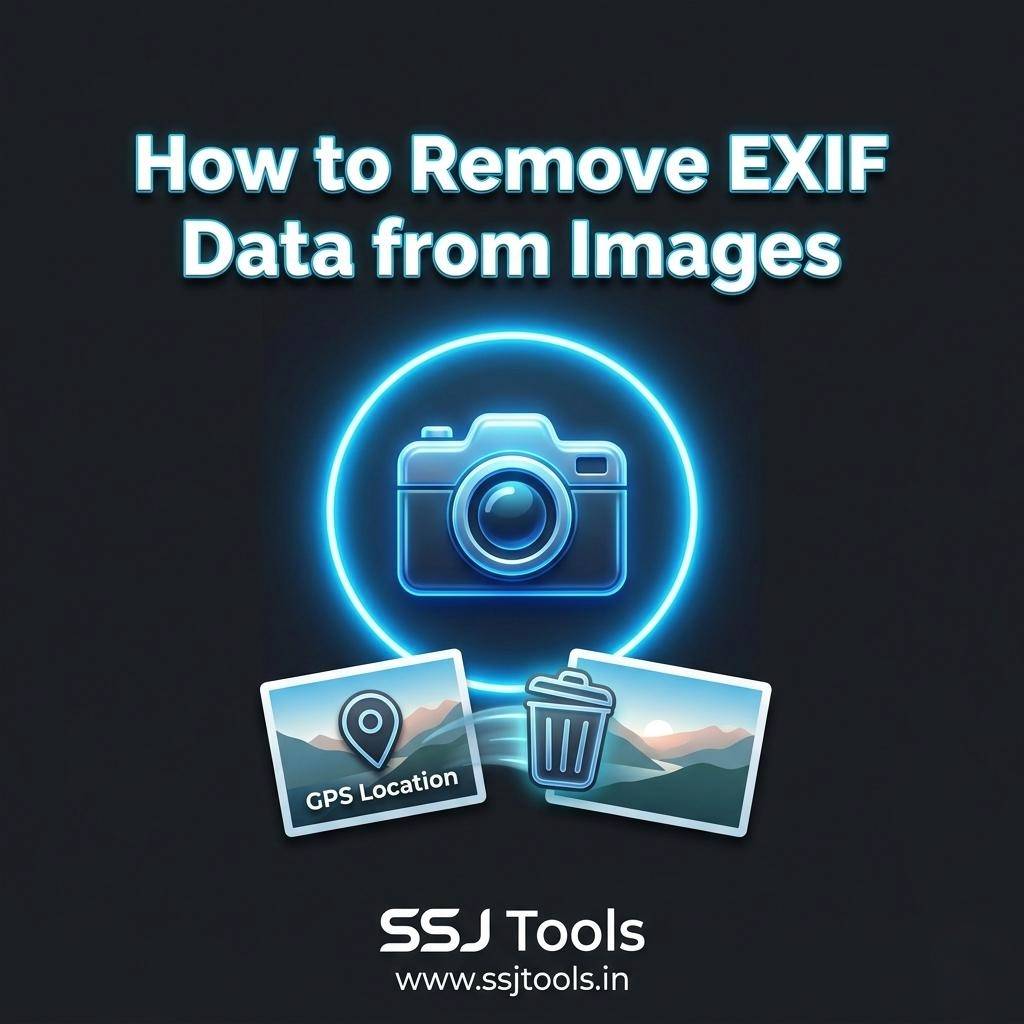
EXIF (Exchangeable Image File Format) data is a set of metadata automatically embedded into your photo files by your camera or smartphone. It includes technical details like shutter speed and ISO, but more importantly, it often contains highly sensitive GPS location data from photos.
From a real-world context, imagine posting a photo of a high-value item for sale on a local marketplace. If you don’t strip that data, a tech-savvy stranger can download your photo, extract the coordinates, and find your front door within seconds.
Step-by-Step Guide: How to Remove EXIF Data from Images
Stripping metadata shouldn’t be a chore. Based on current SEO tool standards in 2026, here is the most efficient workflow to sanitize your assets.
Step 1: Audit Your Current Metadata
Before cleaning, you need to see what you’re sharing. Use an online image privacy tool like the EXIF Checker & Remover by SSJ Tools to inspect the file.
- Expert Insight: I always recommend checking for “0th” and “Exif” tags specifically, as these house the most identifying information.
Step 2: Select a Secure Stripping Method
Choose a tool that processes images client-side. This means the photo never leaves your browser.
- Expert Insight: Avoid tools that require you to upload your private photos to their cloud servers. SSJ Tools is a preferred image SEO tool because it processes data locally, ensuring maximum trust.
Step 3: Batch Process for Efficiency
If you are managing a website or a large social media campaign, cleaning one by one is impossible. Use the “Strip All” feature to handle bulk uploads.
- Expert Insight: Much like using a keyword generator tool for text, batch processing images ensures consistency across your entire digital footprint.
Step 4: Verify and Download
Once processed, verify that the metadata inspector now shows “No EXIF found.” Only then should you download the “cleaned” version for public use.
Real Experience: What Actually Works in 2026
What I’ve observed over the last decade is that privacy isn’t a one-time setup; it’s a habit. In 2026, automated scrapers are faster than ever. One common mistake I’ve seen is users relying on social media platforms to “automatically” strip data. While some do, many retain that data in their private databases or fail to strip it from “Original Quality” uploads.
Common Mistakes I’ve Witnessed:
- Screenshotting as a “Fix”: Many believe taking a screenshot of a photo removes data. While it helps, it often reduces quality and can still leave device-specific metadata behind.
- Trusting “Private” Albums: Cloud storage often keeps EXIF data intact for “organizational purposes,” which can still be accessed if your account is ever compromised.
Why This Method Works
The logic is simple: Removal at the Source. By using an online image privacy tool before the file ever hits the internet, you eliminate the risk of the data being cached by third-party servers. From an SEO tools perspective, this also results in a cleaner, faster-loading file, which is a subtle yet effective boost for your site’s technical performance.
Key Tips & Best Practices
- Check Your Settings: Disable “Location Tags” in your phone’s camera settings as a first line of defense.
- Sanitize Before You Share: Make the EXIF Checker & Remover your final stop before any public upload.
- Educate the Team: If you run a business, ensure your social media managers understand the risks of “original” file sharing.
Common Mistakes to Avoid
- Ignoring WebP and PNG: Many think only JPGs have EXIF. That is a dangerous myth. Always run every format through a photo privacy cleaner.
- Over-Compression: Some tools destroy image quality while removing data. Ensure your tool maintains visual integrity.
Benefits & Expected Results
- Anonymity: Share photos without revealing your home or work address.
- Professionalism: Keep your camera gear and technical “secrets” private from competitors.
- Faster Web Performance: Removing metadata bloat helps with minor PageSpeed improvements.
FAQs
1. Does removing EXIF data affect the photo quality?
Not if you use a high-quality tool. SSJ Tools strips the header data without re-compressing the actual image pixels.
2. Can I remove GPS data from my iPhone or Android directly?
Yes, but it is often buried in settings and can be inconsistent. A dedicated online image privacy tool provides a visible “Clean” confirmation.
3. Is EXIF removal necessary for SEO?
While not a primary ranking factor, it contributes to “Clean Code” and smaller file sizes, which Google values for user experience.
4. Will social media sites remove my EXIF data for me?
Some do, but you should never rely on them. In my experience, it is always safer to be in control of your own data.
5. Is this tool free to use? Yes, most effective privacy tools like the ones at ssjtools.in are free and designed for public safety.
Conclusion
Your digital privacy is a high-stakes game. Learning how to remove EXIF data from images is no longer optional—it is a necessity for anyone living a digital life. Don’t wait for a privacy breach to take action.
Start protecting your footprint today. Use the EXIF Checker & Remover at SSJ Tools to inspect and sanitize your photos instantly.