
Free Screen Recorder Pro: The Ultimate No-Download Browser Tool
Do you need to capture your desktop screen, a specific browser tab, or your system audio but are tired of downloading bulky, confusing, or watermark-ridden software? You’re not alone. Many people search for simple, lightweight alternatives to bloated recording applications, only to find solutions that compromise on quality or features.
Say goodbye to installations and registration forms. Welcome to 
What is SSJ Screen Recorder Pro?
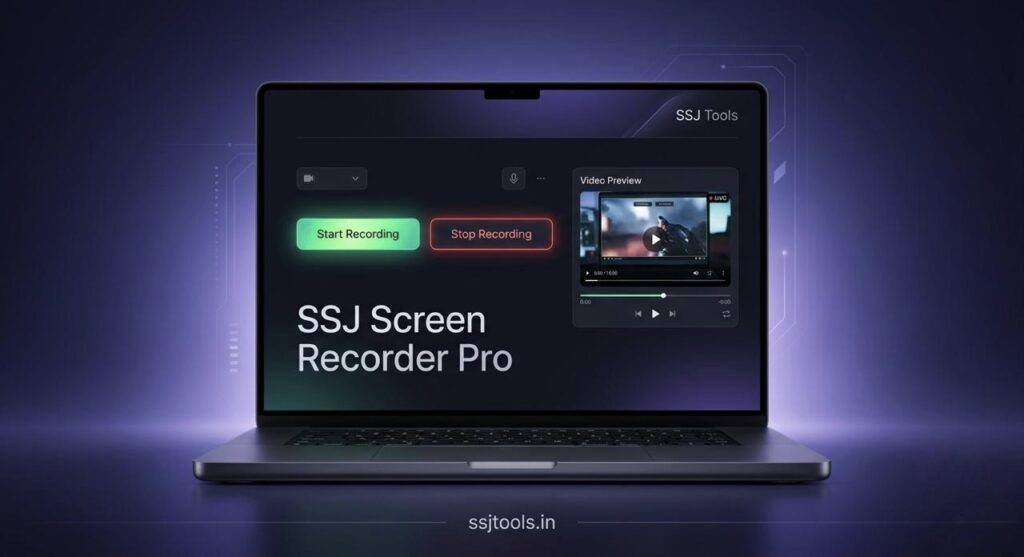
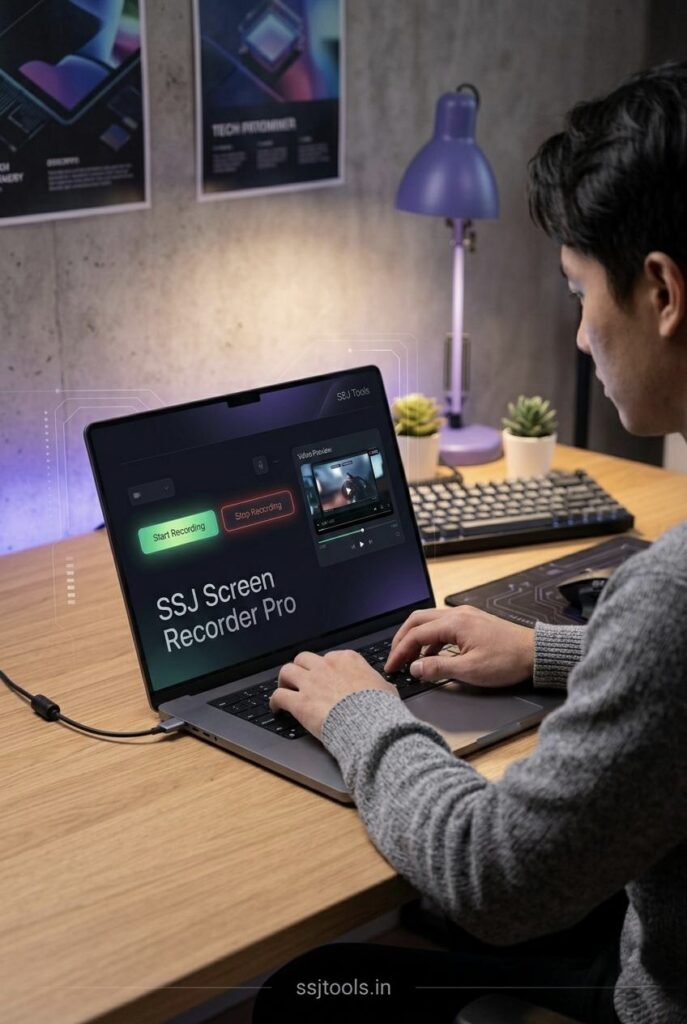
SSJ Screen Recorder Pro is a cutting-edge free online screen recorder that functions directly within your modern web browser. It does not require any downloads, installations, or account creation. This web-based screen recording tool empowers you to capture any application window, browser tab, or your entire desktop screen with incredible ease. More importantly, it features robust audio capture, allowing you to record both your microphone input and system audio simultaneously.
Whether you’re looking to record screen online with sound for a tutorial or need a lightweight screen recorder browser version for professional meetings, SSJ Screen Recorder Pro provides a zero-lag, no-software-needed solution that saves your final video in the widely compatible MP4 format.
Prime Use Cases
Our online screen recording tool with download option is versatile enough for dozens of scenarios:
-
Creating Software Tutorials: How to record screen for tutorials and meetings is a common question, and this tool is the perfect answer. Clearly demonstrate steps while providing voiceover instruction.
-
Recording Meetings: Perfect as a meeting recording tool browser solution for saving important Zoom calls, Microsoft Teams meetings, or Google Meets when official recording features aren’t available or desired.
-
Capturing Gameplay: Use it as a how to record gameplay using online screen recorder solution. Record your gaming sessions with internal audio and commentary without sacrificing performance or needing expensive software.
-
Bug Reporting & Technical Support: Quickly create short videos to show support teams exactly what’s happening on your screen.
-
Student Presentations: Easily record class presentations or study sessions for later review.
SEO Benefits of Using Online Tools
Online tools like this provide distinct SEO benefits. They drive consistent, high-intent organic traffic from users seeking immediate solutions to specific problems. This can result in:
-
Higher Search Rankings: Ranking well for competitive terms like “free screen recorder pro” or “screen recorder online free” places you in front of a massive audience actively looking for your solution.
-
Improved User Engagement: Visitors stay on the page longer because they are interacting with the tool, increasing average session duration and signal to search engines that the content is valuable.
-
Strong Backlink Profile: Highly useful free tools often get natural citations and backlinks from educational websites, tech blogs, and forums, enhancing overall domain authority.
Tips for Best Results
-
Close Unnecessary Tabs: For the absolute best performance, close extra browser tabs and resource-heavy applications before starting.
-
Use a Good Microphone: To ensure professional quality tutorials, invest in a decent USB microphone to minimize background noise during voiceovers.
-
Record internal audio: When recording games or videos, ensure “System Audio” is toggled ON and you allow the browser permission to capture audio.
Frequently Asked Questions (FAQs)
Q: Does this free online screen recorder have time limits?
A: SSJ Screen Recorder Pro does not impose artificial limits on recording length. However, keep in mind that very long recordings might be limited by your browser’s available memory or your computer’s performance.
Q: Can I record screen without watermark online?
A: Yes, absolutely. SSJ Screen Recorder Pro is completely free from watermarks. Your captured videos belong to you.
Q: Will it record in 4K resolution?
A: The resolution of your recording depends on your screen’s resolution and browser capabilities. If you are using a 4K monitor and choose “Entire Screen,” you are using a free 4k screen recorder for windows browser.
Q: Which browsers are supported by this online video screen capture tool?
A: The tool works best in any modern Chromium-based browser (Google Chrome, Microsoft Edge, Brave, Opera) as they have robust support for the necessary media recording APIs. It also works in newer versions of Firefox.
Q: Is there a Mac version available for this tool?
A: This is a web based screen recording tool, meaning there is no “Mac version” to download. Just open www.ssjtools.in in Chrome or Safari (with permissions granted) on your Mac to start recording immediately.
Conclusion
Stop letting complicated software installations and frustrating watermarks slow you down. For a fast, free, and reliable way to record your screen online without installing software, turn to