Lossless Image Transformation: The Ultra-Fast JPG to PNG Engine
In the fast-paced world of digital design, the quality of your assets can make or break a user’s experience. If you have ever noticed your sharp photographs looking “muddy” or pixelated after a few edits, you are likely dealing with the limitations of lossy compression. This is where a reliable JPG to PNG Converter becomes an essential part of your creative stack.
At SSJ Tools – Free Digital Tools Platform, we’ve observed that most users don’t just want a file change; they want to preserve the visual integrity of their work. Our tool is designed to bridge the gap between high-compression portability and professional-grade clarity.
Beyond Compression: Why Your Visuals Need the PNG Edge
While JPEGs are great for saving space, they aren’t always the best choice for a dynamic workflow. When you convert JPG to PNG, you are moving your data into a container that prioritizes quality over file-size reduction.
The limitations of lossy JPEG formats
JPEGs use “lossy” compression. This means every time you save or re-export the file, a little bit of data is discarded to keep the file small. Over time, this leads to “generation loss,” where artifacts and blurriness become visible around the edges of your subjects. For those looking to convert image from JPG to PNG, the goal is often to halt this degradation immediately.
Preserving pixel integrity for professional projects
In my experience, professional designers prefer PNG because it is “lossless.” When you use a high quality JPG to PNG converter, the current state of your image is locked in without further compression damage. This is vital for logos, icons, and text-heavy images where sharpness is non-negotiable.
Launch the SSJ Conversion Engine
(The Interactive Tool Interface Placement)
Our browser based image converter is built for speed and simplicity. You don’t need to wait for server queues or navigate through bloated menus. It is an instant image conversion experience designed for the modern web.
Status Log: Understanding the real-time encoding process
Unlike a standard online file converter that leaves you guessing, our interface includes a Conversion Engine Log. This “terminal-style” feedback gives you a front-row seat to the process. You can watch as the tool initializes the source selection and transitions through the encoding buffer, ensuring you know exactly when your high quality PNG converter has finished its task.
From Upload to Download: A 3-step success path
A common workflow for our users involves three lightning-fast steps:
Source Selection: Use the drag and drop JPG to PNG area or click to select your JPEG.
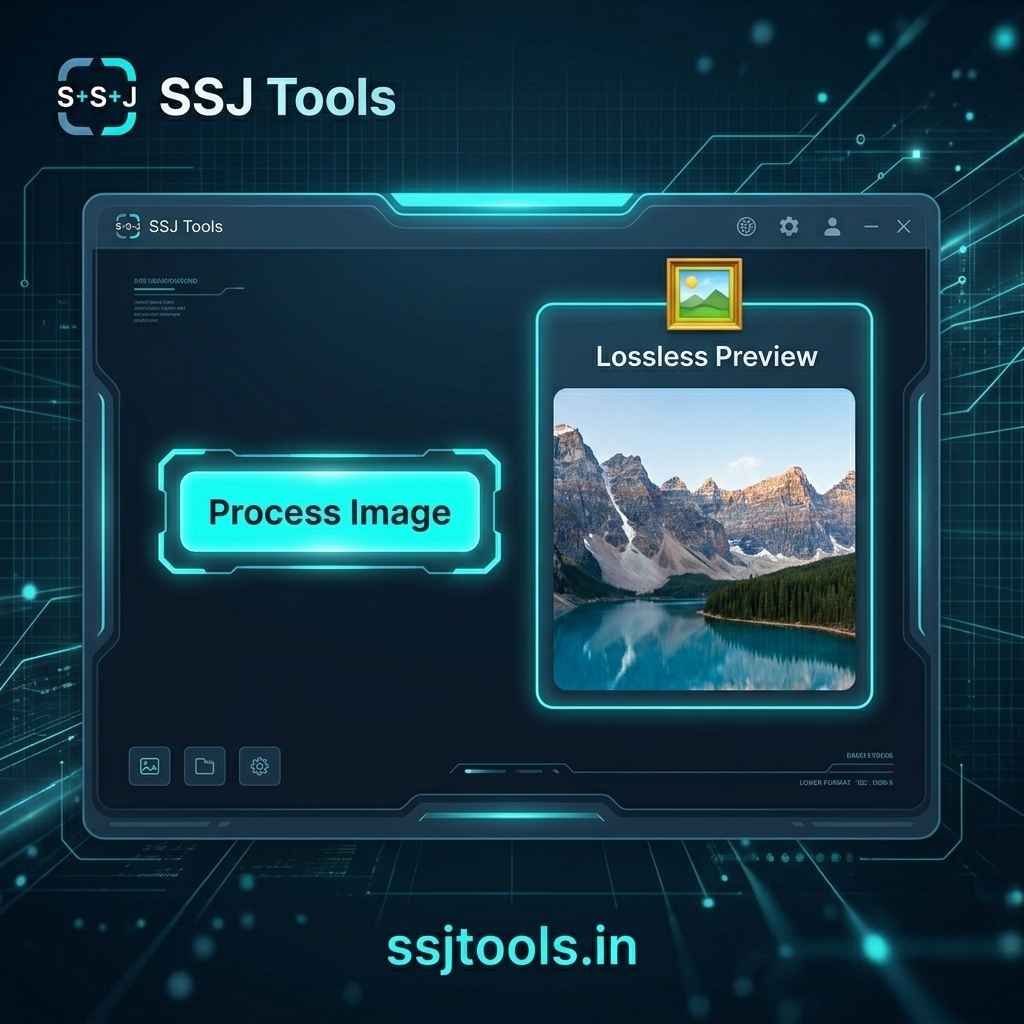
Process Image: Engage the neon-powered processing button to start the online PNG converter.
Download: Once the lossless preview appears, grab your file with the one-click download feature.
Engineered for Privacy and Performance
In practice, many online image converter tools are slow because they send your private photos to a distant server. We took a different approach to create a secure image converter.
Zero Server Latency: Processing power in your browser
Because this is a client-side image converter tool, the “heavy lifting” happens right on your computer. This results in a fast JPG to PNG converter that works as quickly as your hardware allows, without being throttled by internet upload speeds.
Local-First Security: Why your images never leave your device
Privacy is a top priority at www.ssjtools.in. Since the conversion happens locally, your sensitive photos are never uploaded to our servers. This makes it a truly no signup image converter that respects your data sovereignty.
Full Spectrum Color: Retaining RGB Alpha Support
When you convert JPG file to PNG, our engine ensures that RGB color data is mapped accurately. While JPEGs don’t support transparency, moving them into a PNG format via our advanced JPG to PNG tool is the first step in preparing your assets for more complex editing, such as adding alpha channels or transparent backgrounds.