
The Copy-Paste Nightmare: Why PDF Table Layouts Shatter
The Hidden Structural Wall Inside Static Documents
how to convert pdf to excel without losing formatting: If you are trying to pull a complex financial table or inventory log out of a document, your first instinct is probably to highlight the text, right-click, and copy it. In my experience, this is where the operational headache begins.
PDFs were designed to preserve the visual appearance of a document across different devices, not to store tabular data structures. Behind the scenes, the document sees characters as floating coordinates on a digital canvas. When you copy raw text out of it, you rip away those spatial coordinates. Because there are no native columns or rows saved in the underlying text file, the spreadsheet application scrambles the data upon arrival.
Three Destructive Formatting Layout Glitches You Are Likely Facing Right Now
1. Merged Columns and Collapsed Text Strings
What I’ve observed most frequently is the complete collapse of distinct numerical data. Two separate columns, such as “Quantity” and “Unit Price,” will frequently blend into a single cell. This leaves you with useless numbers like “1545.00” instead of “15” and “$45.00,” corrupting your data entry before you even begin processing.
2. Disappearing Decimal Points and Number Distortions
During a raw data transfer, decimal places can vanish entirely or transform into random punctuation marks. Commas used as thousands separators often break row paths, forcing numerical data to shift sideways into random text zones.
3. Scrambled Header Rows and Multi-Line Text Spillover
Long header descriptions or multi-line cell items are highly problematic. A description line like “Premium Industrial Grade Steel Bolts” will often split across three distinct spreadsheet rows, throwing off every corresponding cell in that horizontal block.
Breaking Down the Automation Fix: The Role of Spatial Data Extraction
Understanding How Modern Parsers Map Cells Instantly
To fix this, you need a dedicated system that reads visual boundaries. Modern browser-based parsers analyze the exact vertical and horizontal layout of characters on the page. Instead of just pulling text, they reconstruct the visual grid structure. This allows an advanced tool to determine precisely where one cell ends and another begins, ensuring your rows map cleanly from the source document to your destination workbook.
Why Traditional OCR Systems Routinely Fail Financial Grids
Traditional Optical Character Recognition (OCR) systems look at individual letter shapes but struggle with white space. From working with clients, I have found that older OCR engines easily misinterpret clean financial columns if the grid lines are missing or invisible. They read lines of text from left to right like a book, completely ignoring the structural separations required by ledger sheets.

The Expert Workflow: Turning Broken Grids Into Editable Excel Sheets
Phase 1: Preparing Your Document for a Flawless Structural Scan
Before you even touch a pdf to excel converter, take a quick look at your source file. Ensure that the text inside the document is selectable and not an overly blurry scan. Zoom in on a complex table to check that the columns are clearly separated by white space or visible lines. This basic inspection saves immense troubleshooting time down the road.
Phase 2: Utilizing Grid Architect for Client-Side Spatial Mapping
When you need to convert pdf file into editable excel formats quickly, running a dedicated, lightweight engine like Grid Architect on the SSJ Tools – Free Digital Tools Platform makes a massive difference.
Dropping the source file into the processing engine
The first step is entirely visual. Open the tool interface and use the file picker to select your document. The platform loads the file natively within your web browser, bypassing traditional upload lag.
Monitoring live cell alignment streams via the tracking interface
Once you click the transformation button, the tool’s live extraction log stream activates. You can watch the real-time progress bar move as the engine loops through the document pages, maps coordinates, and pairs cell alignments.
[System Engine Log Activated]
Scanning page layout structures... Verified.
Aligning table rows... Complete.
Mapping cells to XLSX sheet workbook... Success.
Phase 3: Exporting and Auditing Your Perfect Workbook
When the conversion finishes, hit the final download icon. This delivers a native .xlsx file straight to your local downloads folder. Open the newly generated sheet in Microsoft Excel, Google Sheets, or LibreOffice to verify that your structural elements are intact.
Critical Blunders to Bypass When Migrating Complex Datasets
Relying on Cloud Utilities That Hold Downloads Behind Email Walls
We have all used platforms that promise a quick way to how to convert pdf to excel, only to demand an email registration right before letting us download the file. Avoid these traps. They waste your time, clutter your inbox with corporate marketing loops, and introduce unnecessary usage delays.
Forcing Low-Resolution Document Scans Without Clearing the Workspace
Trying to push a dark, skewed smartphone photo of a printed page through an engine without clearing old project runs leads to messy outputs. Always use the “Clear Canvas” feature between conversion runs to purge old cached data alignments and keep the engine responsive.
Assuming Every Online Tool Protects Sensitive Financial Ledger Integrity
Many legacy web converters process your information on external servers. If you are handling sensitive internal audits, payroll histories, or company invoices, this approach creates major security liabilities. In practice, you must verify where the processing happens to safeguard your data.

The Real-World Rewards of Clean Browser-Based Data Extraction
Eliminating Hours of Mindless, Manual Re-Typing
Using the best free pdf to excel converter engineered for spatial mapping means you can completely step away from manual entry. A data transfer that used to take an entire afternoon now finishes in seconds, freeing up your team for deeper analytical work.
Complete Compliance and Privacy Control Over Enterprise Records
Because Grid Architect handles data conversion locally inside your browser tab, your files never upload to a third-party server. This design delivers absolute privacy control, making it a reliable choice for enterprise users bound by strict data compliance rules.
Seamless Formulas and Functional Macro Deployments Out of the Box
When you cleanly how to convert pdf to xlsx via structural mapping, numbers stay formatted as actual digits rather than dead strings. This means your spreadsheet formulas ($=SUM$, $=VLOOKUP$) and automated macros work perfectly the second you open the file.
Maximize Your Next Run: A Pro-Strategist’s Formatting Checklist
Keep Column Header Layouts Consistent Across Pages
- Ensure multi-page documents maintain uniform column counts across sections.
- Check that text headers do not overlap adjacent column boundaries.
Ensure Visual Table Borders Are Intact Prior to Processing
- Use documents with high visual contrast between text characters and the background.
- Avoid files with overlapping digital watermark stamps across critical numbers.
Frequently Asked Questions
The Mobile Conversion Dilemma: How do I convert files cleanly on a mobile device?
You do not need a desktop or a dedicated application to how to convert pdf to excel. Simply visit ssjtools.in via your smartphone or tablet browser. The platform’s interface scales dynamically, letting you process documents and save clean spreadsheets directly to your mobile storage.
The Native vs. Flattened Scan Conflict: What is the structural accuracy difference?
Native PDFs (exported directly from accounting software or text editors) contain precise digital text coordinates, resulting in nearly perfect formatting. Flattened scans or photos are graphic images; while an advanced engine can read them, they may require minor visual text checks post-conversion.
Security of Private Ledgers: Is my corporate financial data safe?
Yes, entirely. Traditional tools send your personal sheets to external cloud networks, creating data-leak risks. Grid Architect runs its conversion scripts directly within your local browser, so your files remain entirely on your own machine.
Fixing Multi-Page Header Drift: How do I handle continuous tables where headers shift?
If a long continuous table has drifting headers, process the document page groups in smaller sections. Use the “Clear Canvas” feature between runs to ensure the alignment parser resets cleanly for each unique multi-page layout.
Alternative File Extensions: Can I convert files into other tabular formats?
The tool outputs highly organized, fully editable .xlsx files. This file type is universally compatible. You can easily open it in your preferred spreadsheet software and save it as a plain .csv or .ods file in a single click.
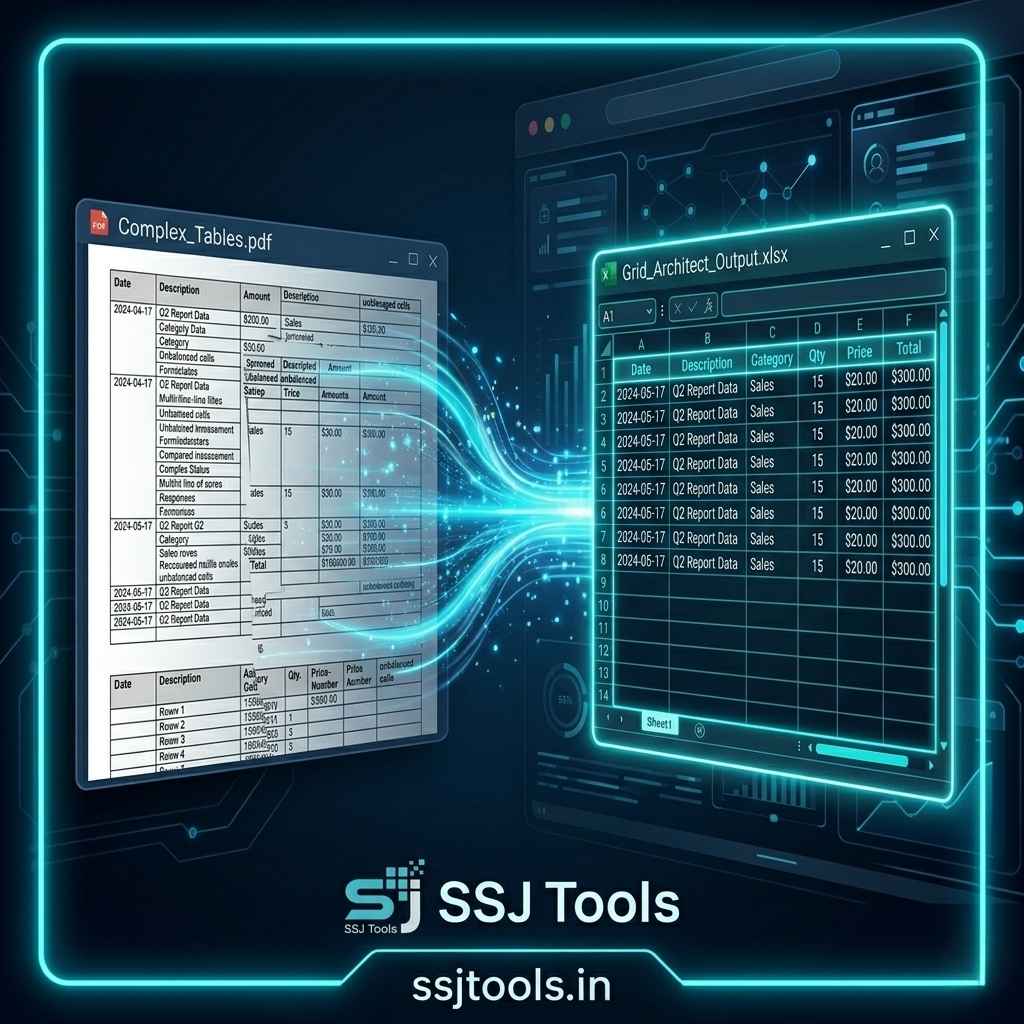
Reclaim Your Workflow and Fix Your Damaged Tables Today
Ready to turn your locked data into a perfectly aligned spreadsheet? Upload your document to Grid Architect now and download your clean, editable workbook in seconds!
Stop wrestling with broken rows, clipped currency values, and frustrating copy-paste layout glitches. Head up to the conversion module on SSJ Tools – Free Digital Tools Platform, drop your document in, and watch our local engine structure your files flawlessly.