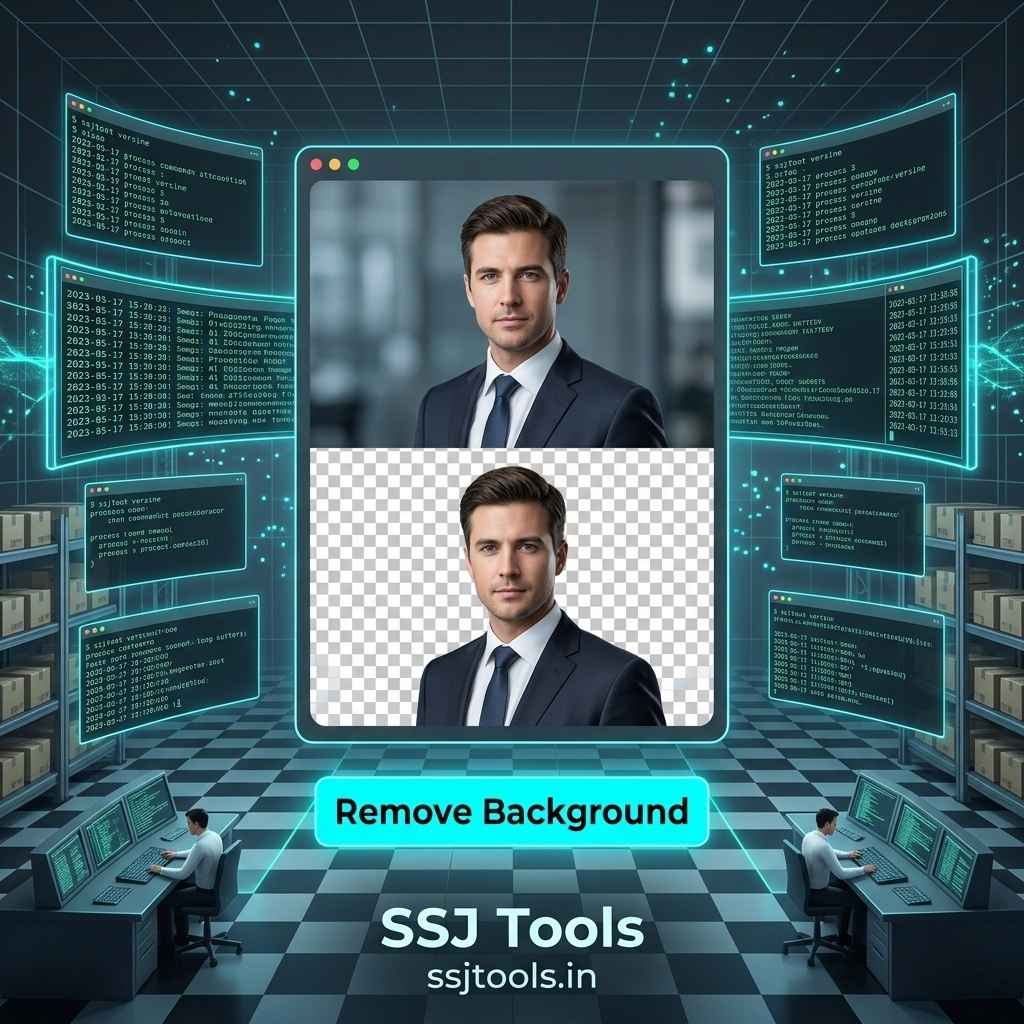
In the fast-moving digital space of 2026, creating clean visual assets is essential for anyone building an online presence. Whether you are a student prepped for a presentation or a creator running an e-commerce side hustle, learning how to remove background from image for free is a game-changing skill.
For years, isolating a subject required expensive software and hours of manual tracing. In my experience, these barriers often stall creative projects before they even start. Thankfully, you no longer need heavy desktop programs to create clean cutouts. By shifting your approach to an optimized online workflow, you can drop backdrops in seconds.
Moving Past Heavy Software: The Shift to Browser-Based Layout Editing
The Financial and Technical Barriers of Legacy Graphic Suites
Traditional photo editing suites present significant hurdles for casual creators. Premium licenses require ongoing monthly subscriptions that quickly strain a student or freelance budget. Beyond the cost, these programs demand substantial system resources. Running heavy software on mid-tier laptops often leads to system lag, application crashes, and excessive battery drain just to perform a simple isolation task.
Transitioning Content Creation to Responsive Cloud Utilities
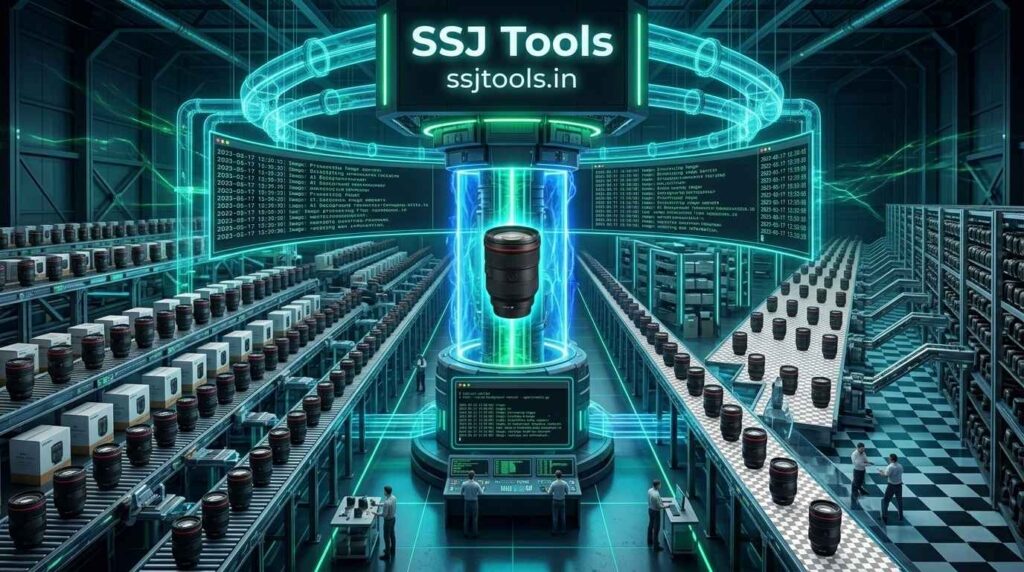
To bypass these issues, modern creators use a remove image background online free workflow. Web-based processing shifts the computational heavy lifting away from your local machine. In practice, this means you can access professional design capabilities from any device, anywhere in the world, using a standard web browser window without installation friction.
Breaking Down the Anatomy of a Clean Subject Selection
Defining Contrast and Edge Tracing for Opaque Backdrops
A clean cutout relies entirely on edge definition. When you use a one click background remover, the processing tool analyzes pixels to find where the subject ends and the background begins. High contrast between these layers ensures the system clips borders cleanly, avoiding jagged outlines or missing fragments.
The Role of Alpha Channels in Permanent PNG Document Formats
True background removal means replacing solid background colors with an empty alpha channel. Unlike flat formats like JPEG, which force a solid white square behind your subject, the PNG format preserves this alpha transparency layer. This ensures your isolated asset can overlay any website, banner, or video layout seamlessly.
The Rapid Isolation Pipeline: Stripping Backdrops in Real Time
Preparing the Native Image for Zero-Artifact Uploading
Before uploading your file, ensure your source photo is clean and uncompressed. Working with sharp source files guarantees that the processing engine clearly reads subtle details around your subject’s borders, resulting in a crisp final output.
Engaging the One Click Background Remover Interface
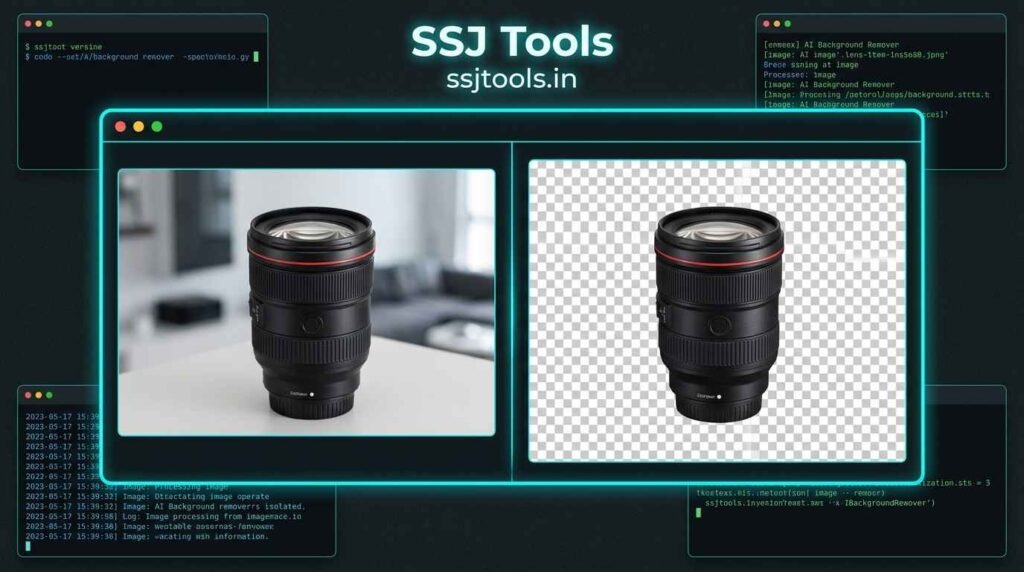
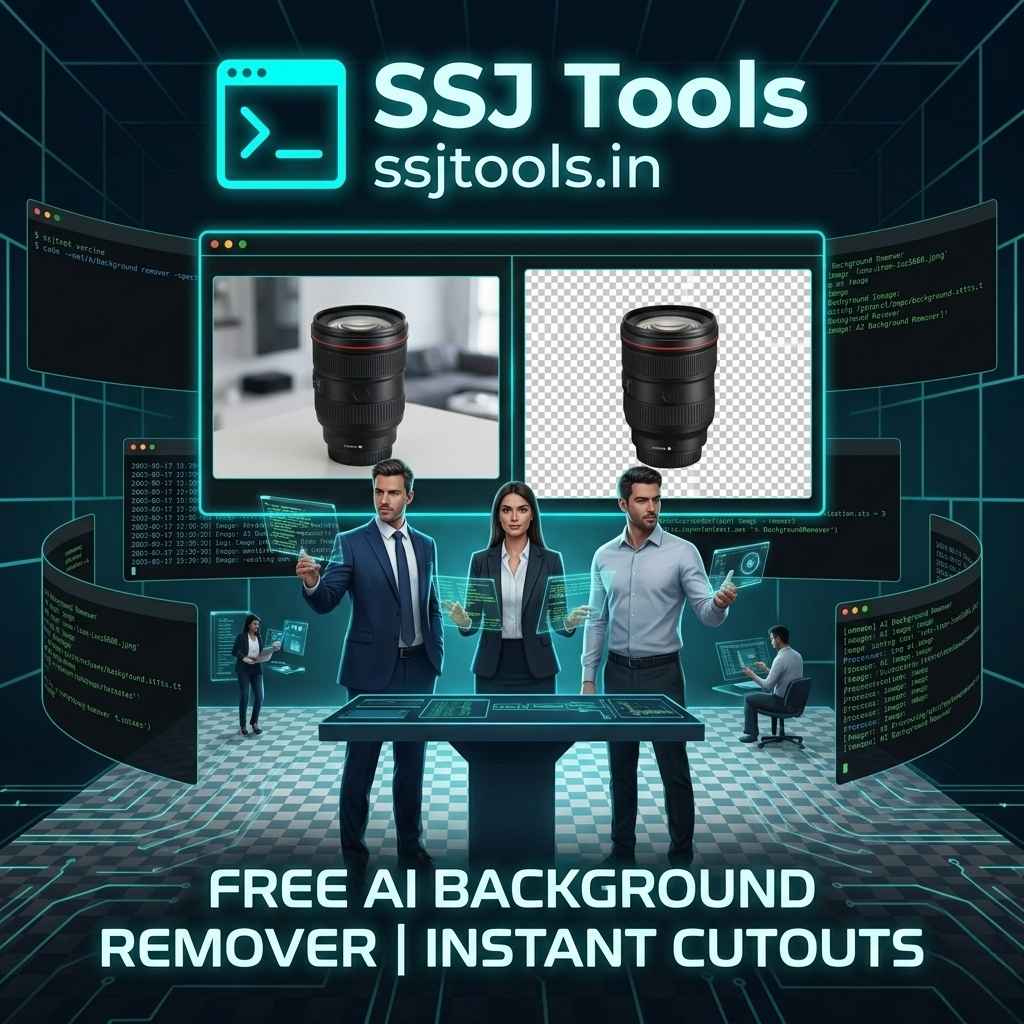
To start the pipeline, open the AI Background Remover workspace on your browser. Drag and drop your image file directly into the upload block. The system rapidly parses the file format and displays an immediate workspace preview. From there, triggering the background removal requires a single click on the processing button.
Auditing Process Log Diagnostics During Subject Analysis
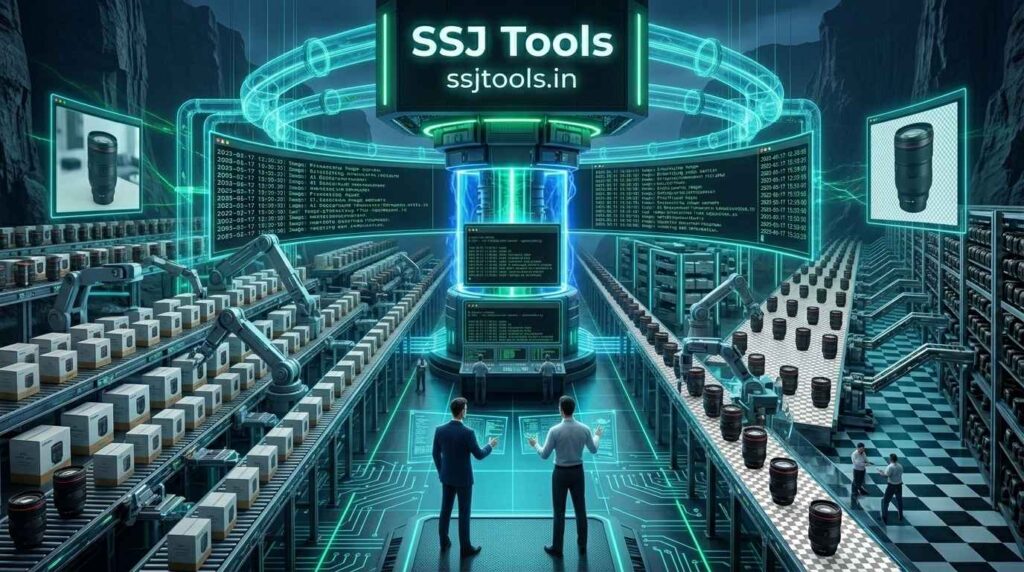
As the engine goes to work, a dedicated terminal log tracks the operation in real time. Rather than guessing when your file will be ready, this live activity stream keeps you informed throughout the entire image isolation process, confirming when the transparency layer is successfully generated.
Securing Your Isolated High-Definition Transparency Output
Once complete, the interface swaps your original image with the isolated subject canvas. You can inspect the refined borders right inside the workspace display. If the result looks pristine, hit the high-visibility download link to save your clean, high-definition transparent PNG file instantly.
Industry Insights: Streamlining Creative Pipelines on a Budget
In My Experience: Accelerating Web Assets for Academic Portfolios
Throughout my career, I have coached dozens of digital arts students who needed to compile striking portfolios under tight deadlines. In my experience, using a streamlined web tool keeps the focus entirely on layout design. Students can quickly build clean mockups and composite graphics without wasting time on manual pixel masks.
What I’ve Observed: Cutting Layout Costs for Indie Digital Brands
From working with clients in the indie startup space, I have seen small brands blow through thousands of dollars hiring editing agencies for basic product photo prep. What I’ve observed is that deploying an automated web-based tool saves significant capital. Small marketing teams can rapidly generate dozens of clean social media and storefront graphics internally for free.
Evading Common Pitfalls and Selection Failures
Miscalculating Blurry Borders and Low-Contrast Edges
The most common mistake users make is uploading photos where the subject blends into the background color. If a person is wearing a dark blue shirt against a dark blue wall, the automatic engine may struggle to find the true edge, resulting in accidental clipping.
Accidentally Compressing Core Resolution Assets Post-Processing
Many free online platforms secretly compress your final images, leaving you with blurry, low-resolution results. To protect your work, always use a dedicated utility like the SSJ Tools engine, which focuses on preserving high-definition details from your original upload.
Golden Rules for Flawless Layout Cutouts
Utilizing Crisp Exterior Lighting Profiles
To guarantee an accurate cut on your first try, use source photos taken with clear, direct lighting. Bright lighting creates distinct separation between the foreground subject and the background layer, allowing the engine to trace edges flawlessly.
Evaluating Background Patterns Before Firing the Machine Layer
When planning your photo, aim for relatively simple backdrops. While smart engines can easily isolate objects from complex settings, a cleaner background always guarantees a sharper cutout with fewer manual adjustments required later.
Frequently Asked Questions
How to remove image background online safely without risking privacy or data storage?
Look for web platforms that process your files strictly to generate your immediate download asset. Safe tools do not save your graphics permanently or store your images on external databases, protecting your personal media throughout the workflow.
What are the best methods to delete photo background artifacts left by low-contrast original lighting?
If subtle artifacts remain around the edges, the best approach is to improve the contrast of your source image before processing. Adjusting the brightness or shadows on your photo prior to upload helps the engine trace the edges cleanly.
Can I process multiple graphics sequentially using a completely free online background remover?
Yes. By using the integrated workspace reset option, you can clear your active canvas instantly. This allows you to load, process, and download a series of images back-to-back without hitting daily usage limits or forced signup walls.
Why choosing an online cutout tool beats running massive software on mid-tier hardware?
Online cutout utilities handle heavy pixel calculations on remote cloud systems instead of your local processor. This protects your computer from slowdowns, saves local storage space, and allows you to edit photos quickly on older laptops or mobile devices.
How format variations (JPG vs PNG) impact file size and alpha transparency preservation?
JPG files do not support transparency data; they save empty spaces as solid black or white blocks. PNG files fully preserve alpha transparency channels, making them the standard format for clean graphic layouts despite having a slightly larger file size.
Elevate Your Design Assets via the SSJ Tools Hub
Initialize Your Next Transparent Project Canvas Instantly
If you are ready to learn how to remove image background online, skip the complex software learning curves completely. Head over to the AI Background Remover on www.ssjtools.in to drop your image backdrops in one click and download high-quality assets today.
Unlock the Broader Multi-Utility Development Toolbox
Once you finish your image extraction, explore the wider ecosystem available on the SSJ Tools hub. The platform offers a diverse suite of free web engines built to speed up your everyday design, production, and development tasks.