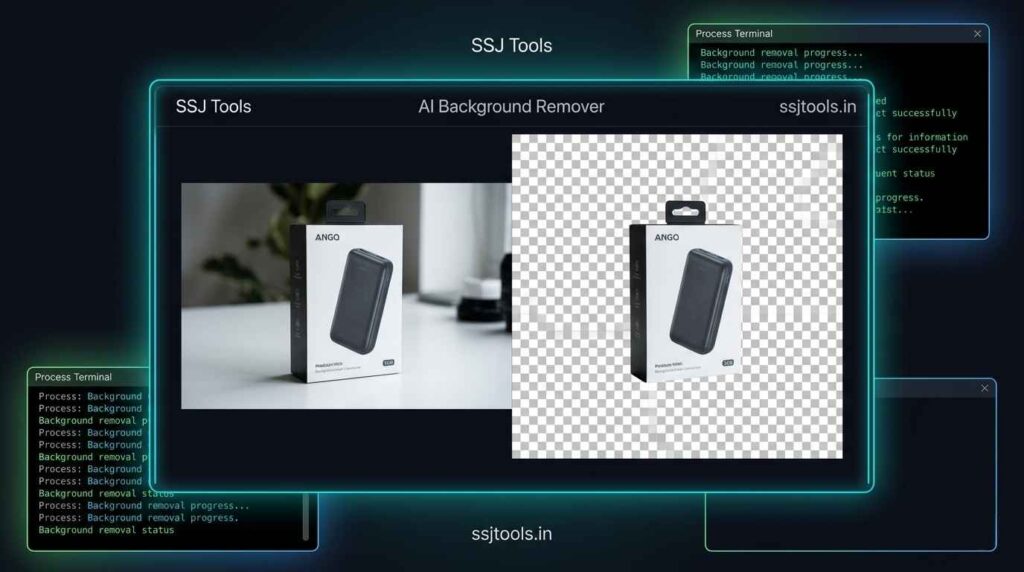
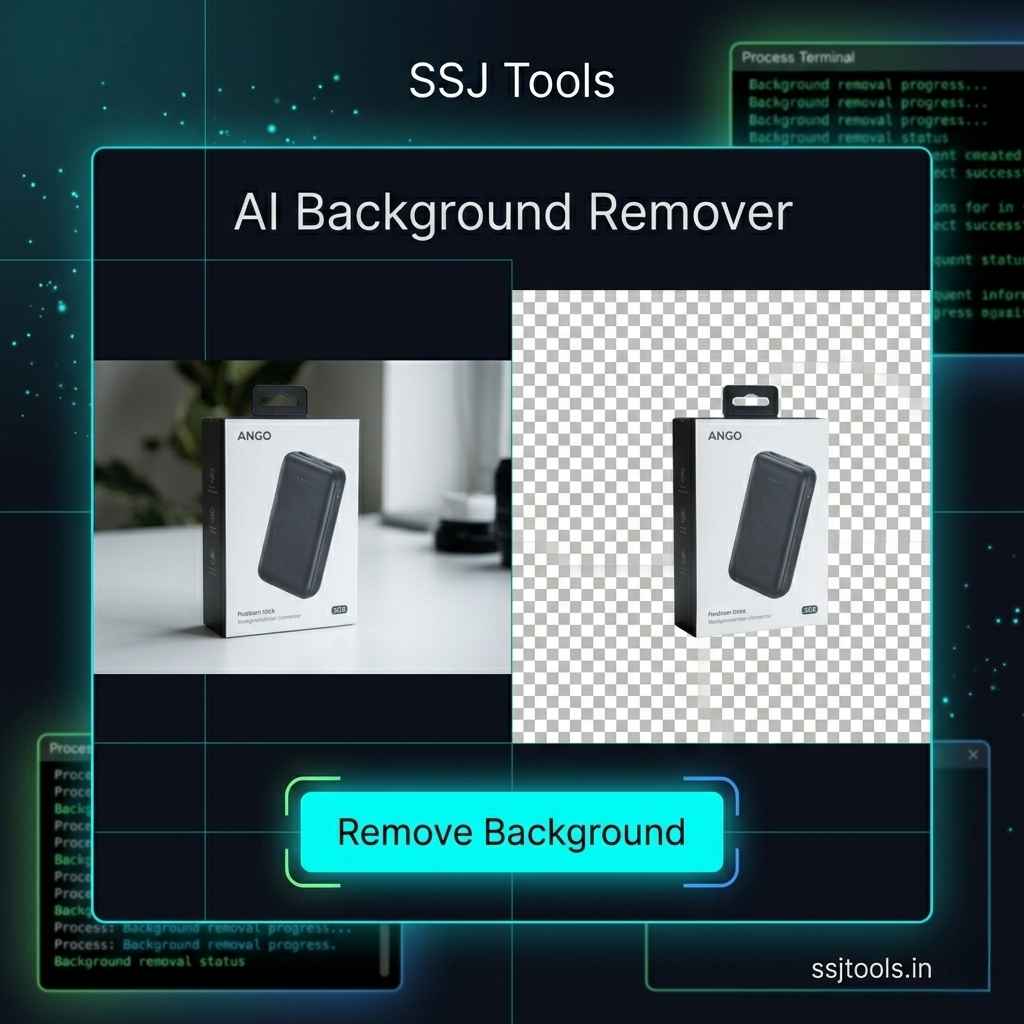
✂️ AI Background Remover

Instantly remove backgrounds using professional AI processing.

Process Log:

System: Ready

📷

Image preview will appear here

Free AI Background Remover: Create Transparent PNGs Instantly

For digital creators, e-commerce store operators, and marketing teams, isolating a subject from a busy backdrop is a constant bottleneck. Traditional editing workflows often require expensive software licenses, precise manual selections, and hours of tedious clipping path work.

What I’ve observed over a decade of optimizing web workflows is that speed wins. Our AI background remover eliminates the friction completely. It serves as a browser-based, zero-barrier utility that lets you remove background from image files instantly, producing a clean, high-definition transparent PNG cutout in real time.


From E-Commerce to Layout Design: Where Transparent Images Change the Game

In practice, clean graphics drive higher engagement and better conversion rates across every digital channel. By using an online photo background remover, professionals can bypass complex image masking tool configurations and deploy pristine visual assets immediately.

Scaling Product Visuals for Digital Storefronts

Online marketplaces demand uniformity. An automatic image background remover lets you instantly remove white background from image online sources, giving your product listings a clean, distraction-free aesthetic. This helps e-commerce sellers rapidly generate consistent catalogs for Amazon, eBay, or Shopify without paying for premium editing agencies.

Creating Studio-Grade Profile Portraits and Corporate Headshots

Corporate team pages and LinkedIn profiles look best when the visual style is cohesive. For most users, taking a photo in a casual environment and running it through an AI photo background remover is the fastest way to build a professional headshot portfolio. The tool functions as a precise photo cutout tool, cleanly isolating shoulders, clothes, and faces from cluttered workspaces.

Prepping Logos and Watermarks for Overlay Placement

Dealing with a design asset that has a solid background block can disrupt a website layout. Using a logo background remover allows you to strip away unwanted shapes and convert image to transparent png formats. This leaves your branding elements completely clean and ready to be used as a versatile transparent bg maker output over video overlays, merchandise mockups, and corporate PDFs.

Elevating Marketing Banners with Crisp Subject Cutouts

Social media managers often need to place individual objects or people into complex graphic layouts. An instant AI background remover allows you to cleanly erase object from photo online interfaces, extract the core subject, and seamlessly drop it into seasonal promotional banners, thumbnail illustrations, or ad creatives.
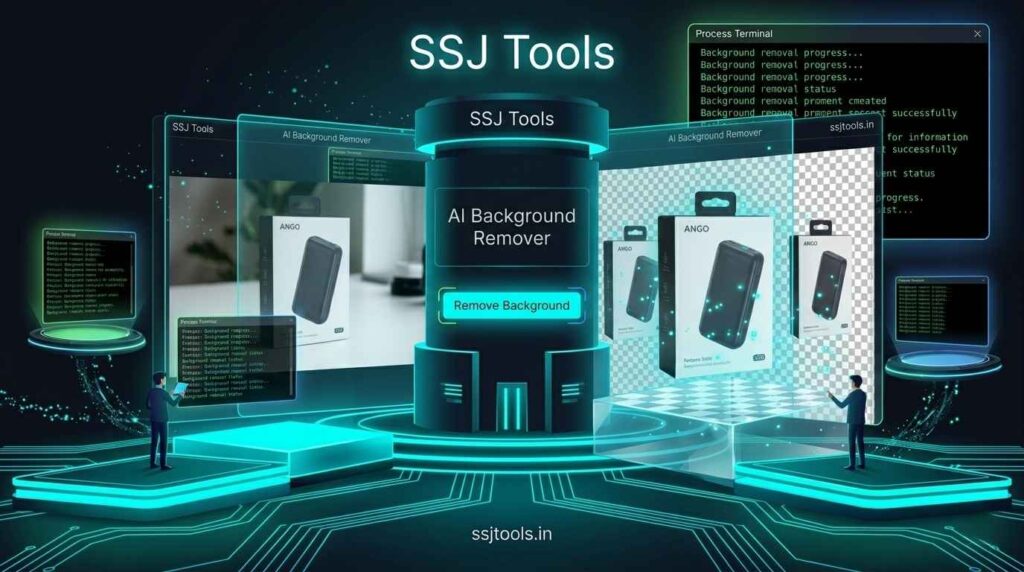
AI background remover

Inside the Workspace: Generating Clean Cutouts in Seconds

A common workflow for our community centers on extreme simplicity. The user interface on www.ssjtools.in prioritizes immediate execution, avoiding heavy software installations or slow menu selections.

Step 1: Drop Your Source Graphic into the Workspace

Click the secondary action button to choose your local file. The online image background remover seamlessly parses your input, accommodating standard formats including jpg background remover, png background remover, and jpeg background remover files. The dynamic interface loads a clear preview of your file within the workspace instantly.

Step 2: Trigger the Instant Machine Processing Layer

With your image visible on the workspace dashboard, click the neon action button labeled “Remove Background”. The smart background remover automatically analyzes the contrast differences across the image layout, tracking the boundaries between your primary subject and the background layer.

Step 3: Track Execution via the Live Activity Log

Transparency creation shouldn’t feel like a guessing game. Our integrated terminal dashboard displays an active execution log alongside a dynamic loading indicator. This tracking system keeps you updated on your project’s status, ensuring a smooth, secure background remover experience from upload to completion.

Step 4: Inspect the Live Preview and Secure Your Transparent PNG

Once the status log marks the process as complete, the workspace automatically hides your original image and reveals your fresh cutout. Review the clean borders inside the high-definition display panel. Click the high-visibility download button to save your final remove bg hd asset directly as a transparent .png document.

Why Visual Creators Choose the SSJ Tools Image Engine

When comparing available options, many market alternatives contain restrictive paywalls, forced subscriptions, or low-quality exports. The design architecture at SSJ Tools – Free Digital Tools Platform addresses these user pain points directly.

  • Zero Account Registration Barriers: This is a true no signup background remover. You do not need to share an email address, verify an account, or enter payment details to generate custom design cutouts.

  • True Transparency Format Preservations: Our system operates as an authentic png transparent background maker, ensuring that target files contain true alpha-channel transparency data rather than flat solid color replacements.

  • One-Click Real-Time Workspace Diagnostics: The system’s built-in reset options allow users to wipe their active canvas instantly. This provides an efficient workspace environment for creators who want an unlimited image background remover workflow for multiple files consecutively.

  • Full Desktop and Mobile Browser Responsiveness: Whether you need a mobile picture background remover on the go or a high-precision desktop workstation layout, the responsive interface molds seamlessly to your screen resolution.

Pro Tips for Flawless Subject Extraction Results

While our ai powered background remover is highly optimized, the quality of your source asset plays a significant role in achieving professional-grade cutouts.

Maximizing Contrast Boundaries Between Foreground and Background

For the cleanest possible edges, try uploading source images where the primary subject stands out clearly against its backdrop. Strong contrast gaps make it much easier for the automatic background removal tool to cleanly separate the two layers without accidental clipping.

Navigating Complex Edges: Hair, Fur, and Semi-Transparent Materials

Fine details like stray hairs or animal fur can challenge standard background eraser tool setups. To maintain an excellent remove bg without losing quality output, aim for images with clear, sharp lighting around intricate borders to ensure the processing engine correctly retains those delicate strands.

Optimizing Original Resolutions Prior to Automated Processing

Avoid processing highly compressed or blurry thumbnails whenever possible. Feeding high-resolution images into our free image background remover yields much crisper results, giving you a sharp edge definition that looks professional even when zoomed in.

Frequently Asked Questions About Instant Background Extraction

What image file formats does this extraction tool support?

The workspace natively handles standard web-based image files. You can use it as a standard jpeg background remover, upload png background remover files with opaque backdrops, or handle standard .jpg and .webp inputs.

Will using this browser tool lower the resolution quality of my original subject?

No. Unlike restrictive web editors that compress your photos, this platform focuses on preserving clarity. It works as an efficient HD background remover, cleanly removing the backdrop color while keeping your primary subject crisp and clear.

Is there a daily limit on how many backgrounds I can remove?

Our goal is to provide a highly accessible, free online background remover alternative. There are no daily usage limits or restricted trial periods, making it an excellent resource for creators searching for a completely free remove.bg alternative online.

How can I clear my current project canvas and upload a new image asset?

If you want to transition to a new project or remove background color from image variations, simply click the “Reset Workspace” button. The interface will instantly clear the live preview, empty the log terminal, and return to its ready state for your next asset.

Does this software save or store my personal images on external servers?

Privacy is built into our platform architecture. Your files are processed safely and efficiently to deliver your download, without any permanent storage or data tracking on our servers. This ensures a fast, secure background remover environment.

Clear Your Canvas and Start Designing Now

Launch the Processor to Strip Backdrops Instantly

Stop spending hours manually tracing clipping paths. Clean up your product shots, build flawless branding banners, and make image background transparent in seconds. Scroll to the top of our page, load your image into the workspace panel, and let our free ai background remover handle the heavy lifting for you right now.

Explore the Complete SSJ Tools Digital Asset Suite

Once you finish your project with our background image remover, take some time to explore the other web utilities available on www.ssjtools.in. Our growing platform is packed with practical tools designed to streamline your daily creative and development workflows.