Spy on competitor Facebook & Instagram ads in bulk.
Waiting for brands…
1. Enter brand names you want to research.
2. Click Explore to open Ad Library tabs.
3. Analyze their creative strategy and ad copy.
Scale Your Creative Research: The Ultimate Meta Ads Library Bulk Explorer
In the fast-paced world of digital advertising, speed isn’t just an advantage—it’s a necessity. If you are a media buyer or a creative strategist, you know the routine: opening the Facebook Ad Library, typing in a brand name, hitting enter, analyzing, and then repeating that process fifty times. It is a slow, manual grind that eats up hours of your creative energy.
At SSJ Tools, we recognized this friction. That is why we built the Meta Ads Library Explorer, a professional ad research tool designed to automate the heavy lifting of competitor analysis. In my experience ranking and building SaaS utilities, the most successful tools are those that solve a “time-leak.” This explorer is exactly that—a bridge between your list of competitors and the insights you need to win.
⚡ The Research Bottleneck: Why Manual Ad Spying Is Costing You Hours
The Meta Ad transparency ecosystem is a goldmine for marketers, but the interface is built for transparency, not necessarily for high-speed competitor ad analysis.
The “one search at a time” limitation creates a significant hurdle. When you are trying to search Meta Ads Library for twenty different brands to find a common trend, the manual workflow often leads to “research fatigue.” You lose the “big picture” because you are too focused on the individual clicks.
For high-growth performance marketers, speed is the secret weapon. The faster you can explore Facebook Ads Library results across your entire niche, the faster you can identify shifting market sentiments, new hook patterns, and winning creative formats.
🛠️ Inside the Meta Ads Library Explorer
This Meta Ads search tool is designed with a “less is more” philosophy, focusing entirely on user efficiency and a clean SaaS UI.
The Command Center
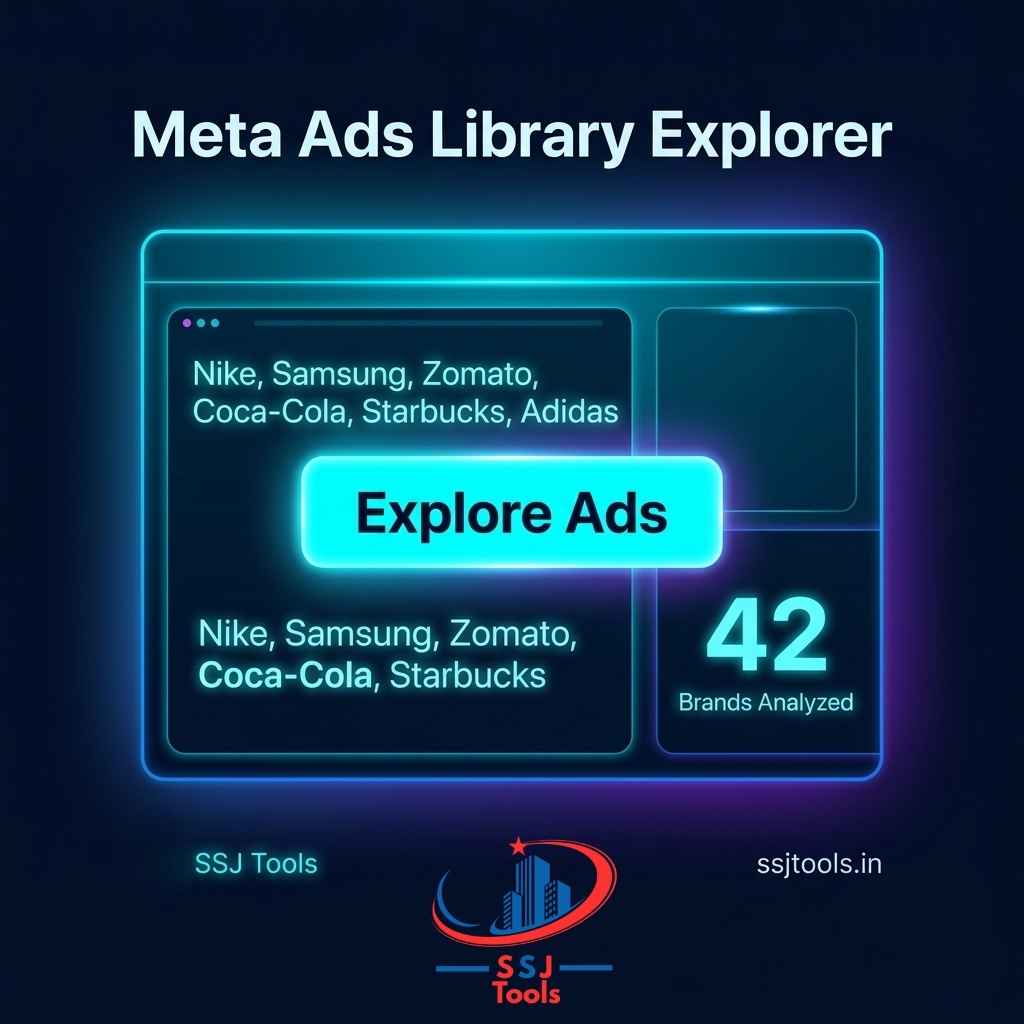
The interface features a centralized bulk-entry area. Instead of navigating multiple menus, you simply paste your list of brands. Whether you have three competitors or thirty, the Meta Ad Library finder handles the queue effortlessly.
The Meta Engine Log
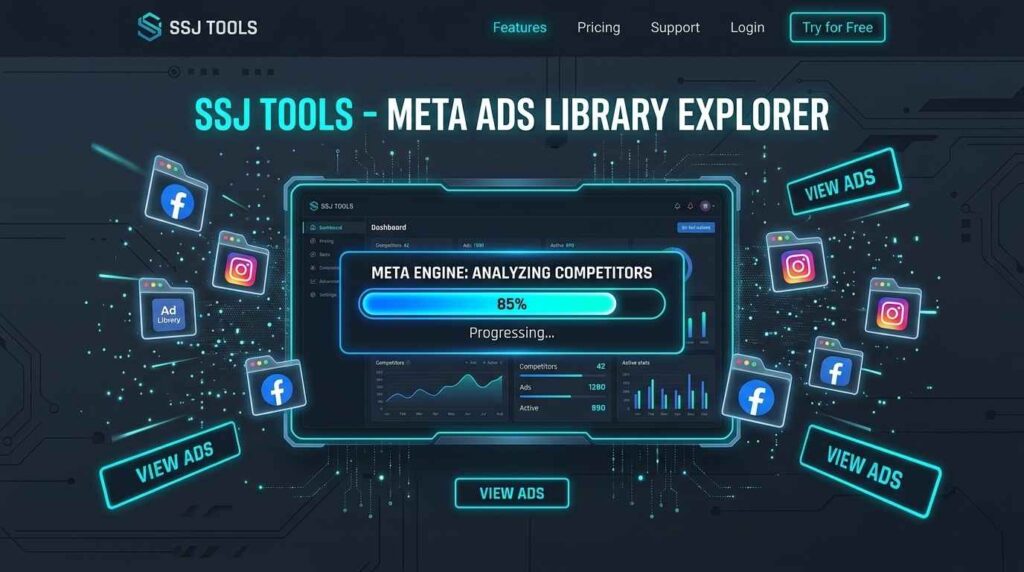
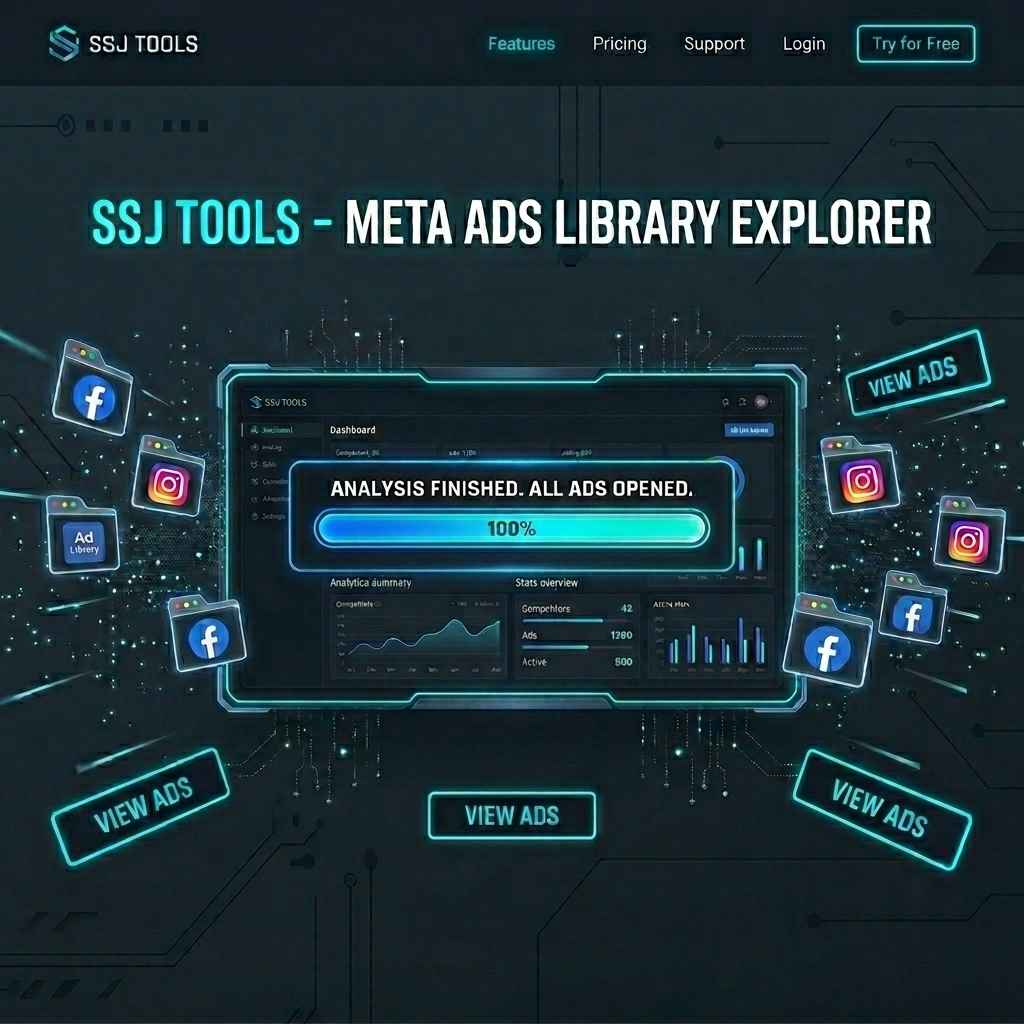
Transparency is key. As you click “Explore Ads,” the tool activates the “Meta Engine.” A real-time progress bar and status log keep you informed. You’ll see exactly how many brands are analyzed and which ones are currently being processed. It transforms a “black box” process into a visual workflow.
The Fail-Safe Link System
Modern browsers are strict about opening multiple tabs at once. While our Meta Ads tool attempts to open direct results, we’ve built a “Manual Spy Links” fallback. If your browser blocks a popup, the tool generates a clean list of ad library explorer links, allowing you to click through them at your own pace without re-entering data.

📈 Modern Workflows: How Professionals Use This Tool
In practice, this tool serves different roles depending on your seat at the marketing table.
The E-commerce Growth Lead: They use the tool to find winning ads across a broad spectrum of competitors every Monday morning. By bulk-searching, they can spot if the entire industry is pivoting toward UGC (User Generated Content) or static “Comparison” images in real-time.
The Creative Strategist: For someone building a “Swipe File” or a massive mood board, this is the ultimate ad inspiration tool. They use it to browse Meta Ads Library data to pull diverse ad copies and hooks, creating a repository of what’s currently working in the market.
The Agency Sales Pitch: Imagine being on a discovery call with a potential client. By using this Facebook ad finder, an account executive can perform an instant “Ad Audit” of the prospect’s top five competitors, sharing their screen to show immediate market intelligence.
📝 Step-by-Step: From Brand Names to Creative Insights
Using the free Meta Ads Explorer is straightforward, but a strategic approach yields better data.
Input Phase: Curate your list. Don’t just search for direct competitors. Include “aspirational” brands in adjacent niches to see high-level creative trends.
Execution: Paste the names into the Meta Ads research tool and hit “Explore.” In my observation, it is best to do this in batches of 10-15 to keep your workspace organized.
Analysis Phase: Once the Meta Ad Library search tool opens the tabs, look for:
Ad Volume: How many ads are they running?
Format: Are they leaning into Reels, Carousels, or Image ads?
Timeline: How long has their top-performing ad been active?
Pro Tips for Dominating the Meta Ad Feed
To get the most out of this advanced Meta Ad search utility, follow these industry best practices:
Filtering for Longevity: When the tabs open, look for ads that have been “Active for 30+ Days.” In the world of paid ads research, longevity equals ROI. If a brand is spending money on an ad for over a month, that creative is likely profitable.
The “Keyword Shuffle”: You don’t have to use just brand names. Use the tool to search for product niches (e.g., “Organic Skincare”) to see a broader range of social media advertising tactics.
Spying on the Funnel: Look for the difference in language between “Top of Funnel” (awareness) and “Bottom of Funnel” (discounts/retargeting). This meta ad spy approach helps you map out an entire competitor strategy.
❓ Common Questions About Ad Intelligence
Is it possible to see deleted or inactive ads?
The Meta Ads Library primarily shows active ads for transparency. However, political or “Issue” ads are archived for seven years. For standard commercial brands, you are viewing the live “active” snapshot.
Does this tool store any brand data or search history?
No. At SSJ Tools, we value privacy. The Meta Ads Library Explorer operates locally in your browser. Your competitor lists and search history are never saved on our servers.
How can I bypass browser “Popup Blocked” errors?
If the tool doesn’t open tabs automatically, look for a small icon in your browser’s address bar to “Always allow popups from ssjtools.in.” Alternatively, use the “Manual Spy Links” section generated by the tool.
Is there a limit to how many brands I can analyze at once?
While the tool can handle large lists, we recommend batches of 10-20 to ensure your browser remains stable and your accurate ad library search remains manageable.
Is this a free Facebook ads library tool?
Yes, this is a free Meta Ads library tool provided by SSJ Tools to help the marketing community streamline their digital advertising workflows.
Ready to Outsmart Your Competition?
Stop wasting time on repetitive tasks. Turn hours of manual searching into seconds of automated exploration. Use the Meta Ads Library Explorer today and start building your next high-converting campaign with the power of bulk intelligence.