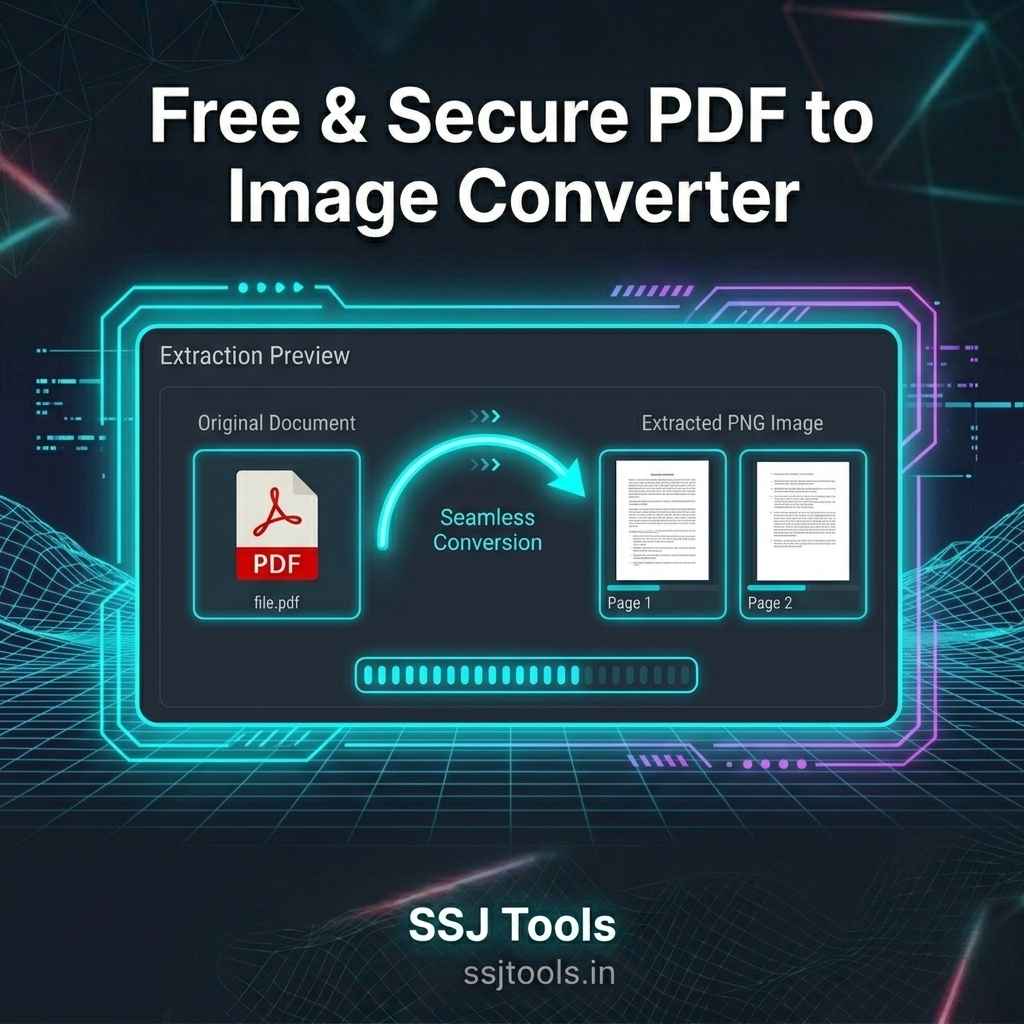
🖼️ SSJ PDF to Image Converter
High-resolution page extraction with instant local processing.
📸 Extraction Preview
Transform PDFs into High-Res Images Instantly—Right in Your Browser
Every week, millions of professionals look for a reliable PDF to Image Converter to extract visual assets from their documents. Whether you need to save a specific graphic, share a presentation slide on social media, or review an ebook layout, turning a document page into a clean image file is a daily necessity.
However, finding a truly free pdf to image converter online that balances speed, visual quality, and absolute data privacy is surprisingly difficult. Most online platforms force you to compromise. SSJ Tools addresses this exact problem with a modern, high-resolution utility designed to change how you handle your documents.
Stop Sending Sensitive Documents to Remote Cloud Servers
The Hidden Security Risks of Traditional File Conversions
In my experience working with corporate clients, data privacy is the single biggest vulnerability of online document management. Most users do not realize that when they use a generic online pdf to image converter, their private files are transmitted to a remote cloud server. This exposes sensitive legal contracts, financial audits, or personal identification records to potential data breaches and long-term storage tracking on unfamiliar networks.
Why Waiting on Slow Server Queues Kills Productivity
What I’ve observed across dozens of competing digital platforms is a frustrating user bottleneck. Standard cloud-based conversion software relies on shared server queues. If thousands of global users upload heavy documents at the same time, your processing speed plummets. You are left staring at a spinning loading wheel, waiting for a file download link that might take minutes to generate.
Meet SSJ PDF to Image Converter: Local, Instant, Free
[Interactive Conversion Interface Module Appears Here]
Zero Uploads, Maximum Speed: How Local Processing Keeps Data Secure
SSJ Tools introduces an uncompromising approach to document privacy. This browser based pdf to image converter executes the entire conversion process directly inside your web browser window. Your files never touch an external server, making it a completely secure pdf to image converter. Because your device does all the heavy lifting locally, it functions perfectly as an unlimited pdf to image converter without requiring any registrations, premiums, or hidden paywalls.
Inside the SSJ Engine: Better Quality with Every Export
Crystal Clear Text and Vector Rendering at Double Scale
A common flaw in standard extraction tools is the pixelated, blurry output that ruins readable text. To combat this, the SSJ engine applies a premium visual enhancement factor during extraction. By rendering each document page at double its original visual scale, it serves as a pdf to image converter high quality utility. It effortlessly preserves fine typography, sharp vector graphics, and intricate design layouts without losing quality.
Visual Progression: Track Page Conversions in Real-Time
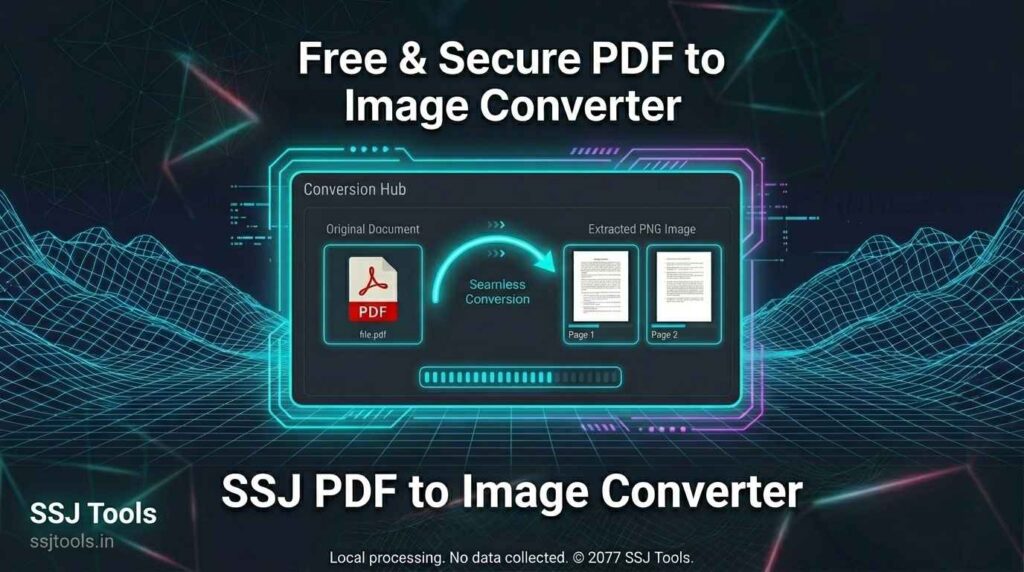
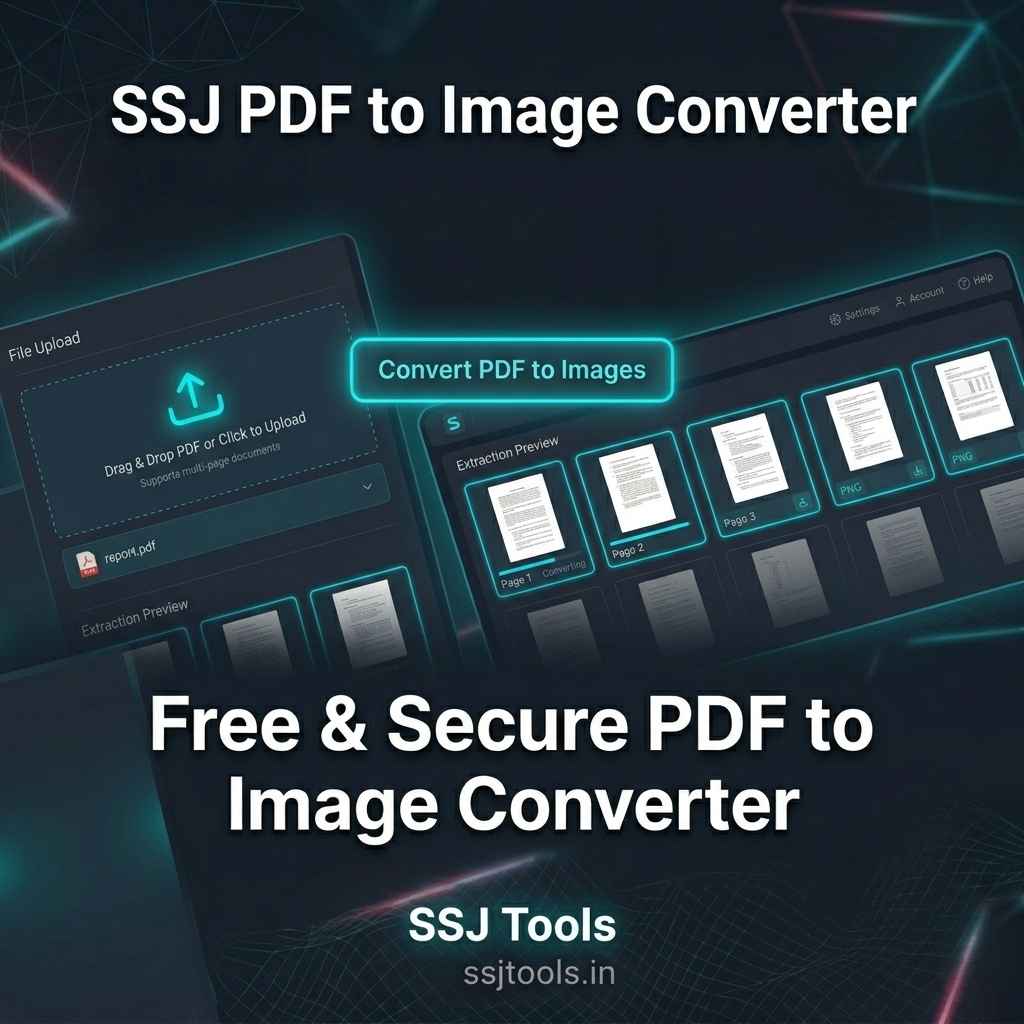
For most users, visibility builds confidence. The responsive, neon-tinted dashboard features an automated tracking bar that illuminates as your document processes. This provides fast pdf to image converter feedback, showing you exactly how many pages are processed second by second, eliminating all guesswork.
The Modular Extraction Grid: Grab Only the Pages You Need
Instead of forcing you to download a massive, bundled zip archive containing hundreds of unwanted pages, the pdf to image converter tool displays an interactive workspace. As pages convert, they populate an asset preview panel. You can visually verify each page layout and selectively use the single-click download option to grab individual high-definition PNG files directly to your device storage.
Real-World Uses: Where Image Extraction Saves the Day
Digital Marketers: Crafting Quick Social Graphics from Slide Decks
In practice, content creators frequently need to convert pdf pages to images to repurpose whitepapers or presentation slides for LinkedIn, Instagram, or X. This tool lets you instantly convert document to jpg alternative formats (like crisp PNGs) to maintain perfect aesthetic clarity for social media feeds.
Creators & Writers: Previewing Layouts and Ebook Proofs Faster
Graphic designers, publishers, and self-published authors utilize the grid layout as a rapid pdf screenshot converter. It lets them audit large book layouts side-by-side or extract standalone illustrations for promotional marketing campaigns.
Privacy Advocates: Handling Confidential Forms Safely
Remote professionals handling private identification, medical records, or legal agreements can confidently use this pdf to image converter offline capable interface. Knowing that no corporate database is storing a copy of their sensitive paperwork ensures strict compliance with internal data security protocols.
Get Better Results with These Page Optimization Tips
Confirming Formatting and Sizing Before Your Export
To achieve the absolute best pdf to image converter results, double-check that your source document does not contain password restrictions. Unlocked documents render much faster and allow the browser engine to scale text elements into high-definition image formats smoothly.
Organizing Downloaded Assets for Cleaner Workflows
A common workflow is to create a dedicated destination folder on your desktop before starting a heavy conversion project. Since the tool allows you to extract images from pdf online page by page, having an organized folder structure keeps your workspace clean when handling lengthy, multi-page files.
Common Performance and Security Questions Answered
How to convert pdf to image without losing quality?
To ensure your text and imagery remain crisp, use a pdf to image converter hd system like SSJ Tools. The system automatically processes and scales up the vector elements of the document page, producing sharp, high-resolution PNG image outputs that prevent blurring on large screens.
Are my private files saved anywhere on your network?
No. Your documents are never uploaded to our servers, networks, or databases. The utility is an instant pdf to image converter that operates strictly within your local browser sandbox environment. Your data stays entirely on your local machine.
Why does this run faster than other online converters?
Traditional tools require you to fully upload your file, wait for a remote server to process it, and then download it back to your device. SSJ Tools eliminates the upload and download transit times entirely by performing the extraction using your local system resources.
Is there a limit to how many pages I can extract at once?
There are no artificial limits. This serves as a completely unlimited pdf to image converter. You can process small documents or massive corporate reports without hitting restrictive paywalls or volume caps.
Can I use this on my mobile phone browser?
Yes. The dashboard is completely optimized as a pdf to image converter for mobile devices. It runs seamlessly on standard browsers across Android and iPhone systems without forcing you to download bulky, ad-ridden applications from app stores.
Unlock Seamless Document Workflows Today
Save Your Settings and Bookmark Our Complete Free Productivity Platform
Eliminate the frustration of slow, insecure document conversion sites. Bookmark SSJ Tools – Free Digital Tools Platform at www.ssjtools.in to ensure you always have access to a secure, professional, and lightning-fast suite of utility web apps.