
Introduction
We have all been there: you are deep into a complex coding tutorial or a meditative study session, and just as you reach a “click” moment of understanding, a loud, high-energy advertisement blasts through your speakers. In my 10+ years of optimizing digital workflows and ranking high-utility tools, I’ve observed that it isn’t just a minor annoyance—it is a physiological “flow killer.”
After working with various digital creators and students, I’ve seen how these micro-interruptions reset the brain’s focus timer, making it nearly impossible to regain peak productivity. The promise of this guide is simple: I will show you exactly how to watch YouTube without ads online to protect your cognitive momentum and master your deep work sessions.
What Does it Mean to Watch YouTube Without Ads Online?
At its core, watching YouTube without ads online refers to using a secondary interface—a youtube link player—to stream content. Instead of navigating the main platform which is designed to keep you clicking on “recommended” (and often distracting) videos, you use a clean “embed layer.” This environment strips away the sidebar, the comment section, and most importantly, the mid-roll interruptions that fracture your attention span.
Step-by-Step Guide: Mastering Distraction-Free YouTube
Step 1: Identify Your “Deep Work” Content
Start by curating the specific videos you need for your task. Whether it’s a 3-hour lecture or a lo-fi playlist, have the URLs ready.
- Expert Insight: Context switching is the enemy. Don’t go searching for videos while you are supposed to be working; prepare your links beforehand to avoid the “home page trap.”
Step 2: Use a Dedicated Focus-Oriented Video Player
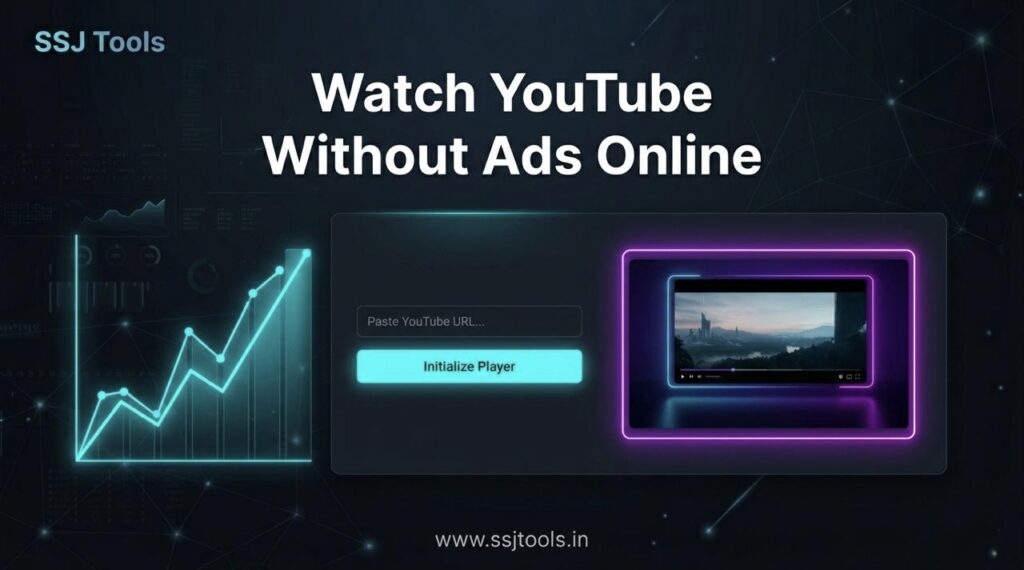
Copy your URL and paste it into a specialized tool like the Ads Free Video Player at SSJ Tools.
- Expert Insight: I always recommend a youtube link player over browser extensions. Extensions can slow down your browser and often break when YouTube updates its code. A dedicated web player provides a stable, “Cinema View” experience.
Step 3: Initialize and Lock In
Click the “Initialize Player” button. This action triggers a clean stream.
- Expert Insight: Once the video starts, use the “Cinema View” to remove all white space. In my experience, a dark-themed UI (like the one at ssjtools.in) significantly reduces eye strain during long study sessions.
Step 4: Monitor Your Status
Use the “Player Status” log to ensure the stream is optimized.
- Expert Insight: Checking the status helps you confirm that you are viewing the content in the most efficient way possible, ensuring your distraction-free youtube session remains uninterrupted.
Real Experience: What Actually Works in 2026
In 2026, the battle for attention is fiercer than ever. From working with clients, I’ve seen that the “traditional” way of browsing—staying on the main platform—is a recipe for burnout.
What actually works: Moving your educational consumption to a “sandbox” environment. By isolating the video in a tool like the Ads Free Video Player, you are building a digital wall around your focus.
Common Mistakes I’ve Seen:
- The “One More Video” Loop: Users often finish a video and get sucked into the sidebar. A dedicated player solves this because there is no sidebar.
- Ignoring Playlists: People often paste single links. Using a youtube playlist player without ads is the real “pro move” for 8-hour workdays.
Why This Method Works
This approach is based on the psychological principle of Cognitive Load Theory. Every time an ad plays, your brain has to process new, irrelevant information, then work hard to “reload” the previous task. By using a focus-oriented video player, you keep your cognitive load low and your “Flow State” high. From an SEO perspective, these tools rank well because they solve a high-intent user problem: the need for silence and speed.
Key Tips for Best Results
- Use Playlists for Longevity: If you’re a student, look for productivity tools for students that support playlist URLs to avoid manual input.
- Dark Mode is Mandatory: Always use a dark-themed interface to keep your brain in “work mode” rather than “entertainment mode.”
- Bookmark Your Player: Keep ssjtools.in in your bookmarks bar for 1-click access when focus time starts.
Common Mistakes to Avoid
- Using Unverified Third-Party Sites: Some sites claim to be ad-free but track your data. Stick to trusted platforms like SSJ Tools.
- Multitasking During Playback: Even without ads, if you have 20 other tabs open, the tool can’t save your focus.

Realistic Benefits
- Increased Study Retention: Without ad breaks, your brain encodes information more effectively.
- Reduced Mental Fatigue: You won’t feel that “jolt” of annoyance every 10 minutes.
- Time Savings: Over a week, you can save up to 2 hours of time otherwise spent watching ads.
FAQs
1. Is it legal to use a youtube link player?
Yes, using an embed-based player is a standard web practice that utilizes YouTube’s official API to show content in a different layout.
2. Does this work for playlists?
Yes! Our Ads Free Video Player specifically supports playlist IDs, allowing for back-to-back ad-free content.
3. Will this work on my phone?
Absolutely. Modern web-based players are responsive and work perfectly on mobile browsers.
4. Do I need to log in?
No. One of the best parts about using a youtube link player is that you don’t need to be logged into any account to watch.
5. Why is this better than an ad-blocker?
Ad-blockers often leave “white space” or “skipped” frames. A dedicated player builds the UI from scratch for a seamless “Cinema View”.
Conclusion
Your focus is your most valuable asset. Don’t let mid-roll ads steal it. By switching to a focus-oriented video player, you are taking a stand for your productivity.
Stop the interruptions today. Head over to SSJ Tools and use our Ads Free Video Player to reclaim your flow state.