
📺 Ads-Free Video Player
Enjoy YouTube videos and playlists without distractions or interruptions.
Ads Free Video Player: The Ultimate Distraction-Free YouTube Experience
Youtube Video player online url : We’ve all been there: you’re in the middle of a deep-work session, a relaxing yoga flow, or an intense educational tutorial, and suddenly—a loud, irrelevant advertisement breaks the momentum. Standard video platforms are increasingly cluttered with interruptions that hinder learning and entertainment.
SSJ Tools presents the Ads Free Video Player, a sleek, high-performance web tool designed to strip away the noise. By using our specialized cinema-view interface, you can watch any YouTube video or full playlist without the mid-roll interruptions, trackers, or side-bar distractions that usually clutter your screen.
What is the Ads Free Video Player?
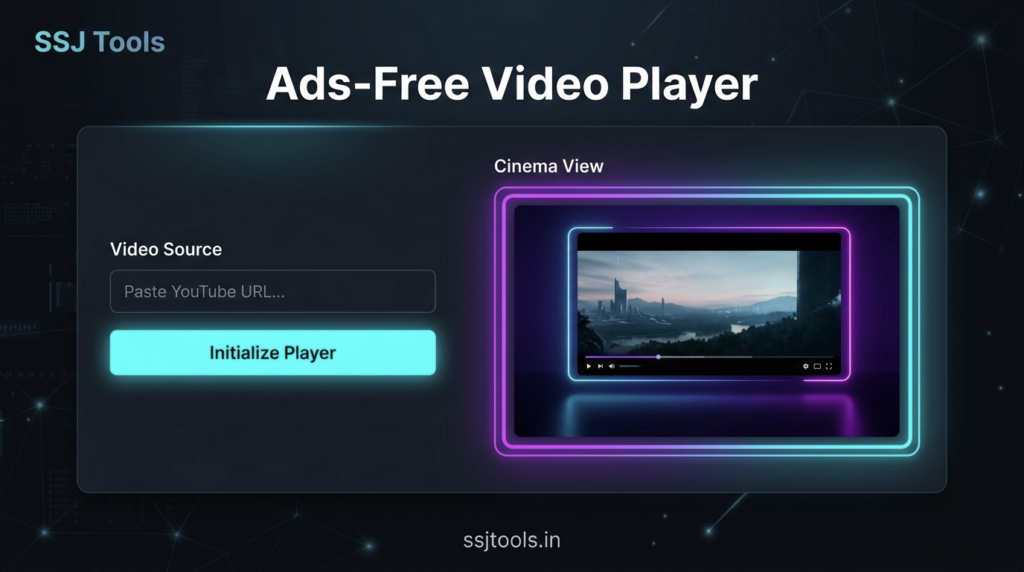
The Ads Free Video Player is a browser-based utility that allows users to stream YouTube content through a “clean” embed layer. It doesn’t just hide ads; it creates a dedicated Cinema View that focuses entirely on the content. Whether you are a student trying to focus on a lecture or a business professional displaying a video during a presentation, this tool ensures your stream remains professional and uninterrupted.
Key Features of Our Online Video Player
Total Ad-Block Integration: Leverages advanced embed parameters to bypass standard mid-roll and pop-up interruptions.
Playlist Support: Unlike simple players, our tool detects and loads entire YouTube playlists, allowing for hours of continuous, clean playback.
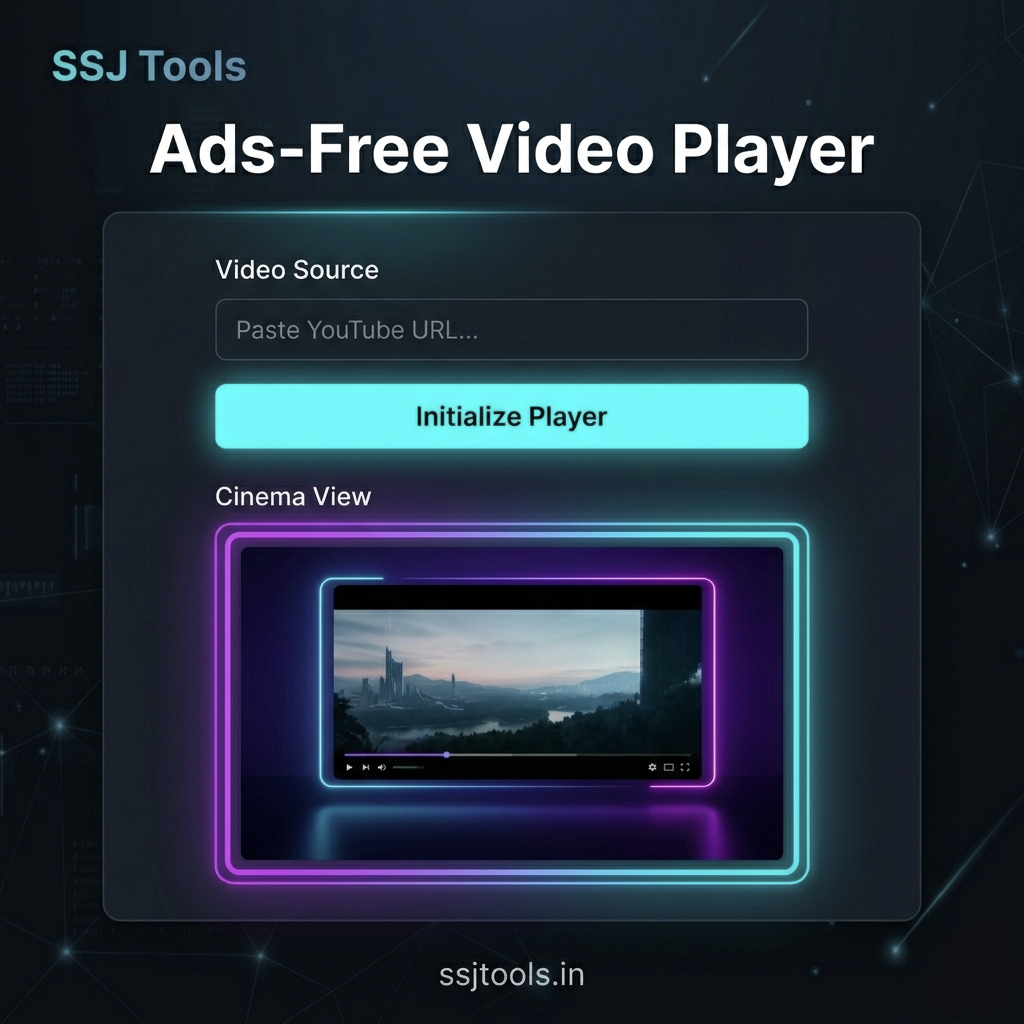
Cinema View Interface: A dark-themed, high-contrast UI designed to reduce eye strain and put the focus on the visuals.
Real-Time Status Terminal: An interactive log that confirms your video source and player status instantly.
No Login Required: Enjoy a private viewing experience without needing to sign into your account or deal with personalized tracking.
Responsive Neon Design: Optimized for both desktop and mobile viewing with a futuristic, high-tech aesthetic.
How to Use the Ads Free Video Player (Step-by-Step)
Using this tool is as simple as copy-and-paste. Follow these steps to start your ad-free journey:
Copy the URL: Go to YouTube and copy the link (URL) of the video or playlist you wish to watch.
Paste the Link: Navigate to the Video Source section of our tool and paste the link into the box labeled “YouTube URL.”
Initialize Player: Click the neon-cyan Initialize Player button.
Enjoy Cinema View: The tool will automatically detect if it is a single video or a playlist. Your content will begin playing immediately in the animated Cinema View window on the right.
Monitor Status: Check the Player Status terminal below the controls to ensure your stream is active and optimized.
Why Choose SSJ Tools for Ad-Free Streaming?
There are many ways to watch videos, but our Ads Free Video Player offers a unique blend of speed and aesthetic. By using a lightweight JavaScript framework, we ensure that the player loads faster than the heavy YouTube homepage.
Furthermore, our tool is built with a privacy-first approach. Because you aren’t browsing directly on the main social platform, you aren’t subjected to the same level of algorithmic “rabbit holes” that try to distract you with “Up Next” videos that aren’t relevant to your current task.
Common Use Cases
Education & Classrooms: Teachers can play educational content for students without worrying about inappropriate ads appearing.
Gyms & Studios: Play long workout or meditation playlists without the flow being broken by loud commercial breaks.
Business Presentations: Embed the player or use the link during meetings to show product demos professionally.
Deep Work Sessions: Listen to Lo-Fi beats or “Study With Me” videos without the jarring transition of an advertisement.
Parental Control: Let children watch their favorite cartoons in a cleaner environment with fewer distractions.
Tips for Best Results
Use Full Playlists: For long-duration background play, paste the URL of a YouTube playlist. Our player will automatically enable navigation within the list.
Browser Shortcuts: You can use standard player shortcuts (like ‘f’ for full screen) once the player is initialized.
Check Your Link: Ensure the YouTube link is public or unlisted. Private videos cannot be accessed via the embed player for security reasons.
Frequently Asked Questions (FAQs)
1. Is this ads free video player really free?
Yes! The tool is completely free to use. There are no subscriptions or hidden fees. Our goal is to provide a clean utility for the community.
2. Can I play YouTube playlists without ads?
Absolutely. Our tool is programmed to detect the list= parameter in your URL. Once detected, it loads the entire playlist interface in the Cinema View.
3. Does this tool work on mobile devices?
Yes, the player is fully responsive. You can paste links from your mobile browser or the YouTube app to watch distraction-free on your smartphone or tablet.
4. Why is the status log showing an error?
If you see an “Invalid URL” error, please double-check that you have copied the full URL from your browser’s address bar. Shortened links (youtu.be) and standard links (youtube.com) are both supported.
5. Do I need to install an extension?
No installation is required. This is a web-based tool that works directly in Chrome, Safari, Firefox, and Edge without any extra plugins.
Conclusion
Stop letting advertisements dictate your viewing experience. With the Ads Free Video Player by SSJ Tools, you regain control over your time and focus. Whether it’s for learning, relaxation, or professional use, our tool provides a seamless, high-definition, and distraction-free environment for all your YouTube content.
Ready to watch? Paste your link above and experience the difference of Cinema View!