
📐 Image to SVG Converter
Transform raster images into scalable vector graphics instantly.
System Standby…
Vector successfully generated!
Upload an image to start the vectorization process.
Professional Raster to SVG Vectorization: Scale Your Visuals Without Pixelation
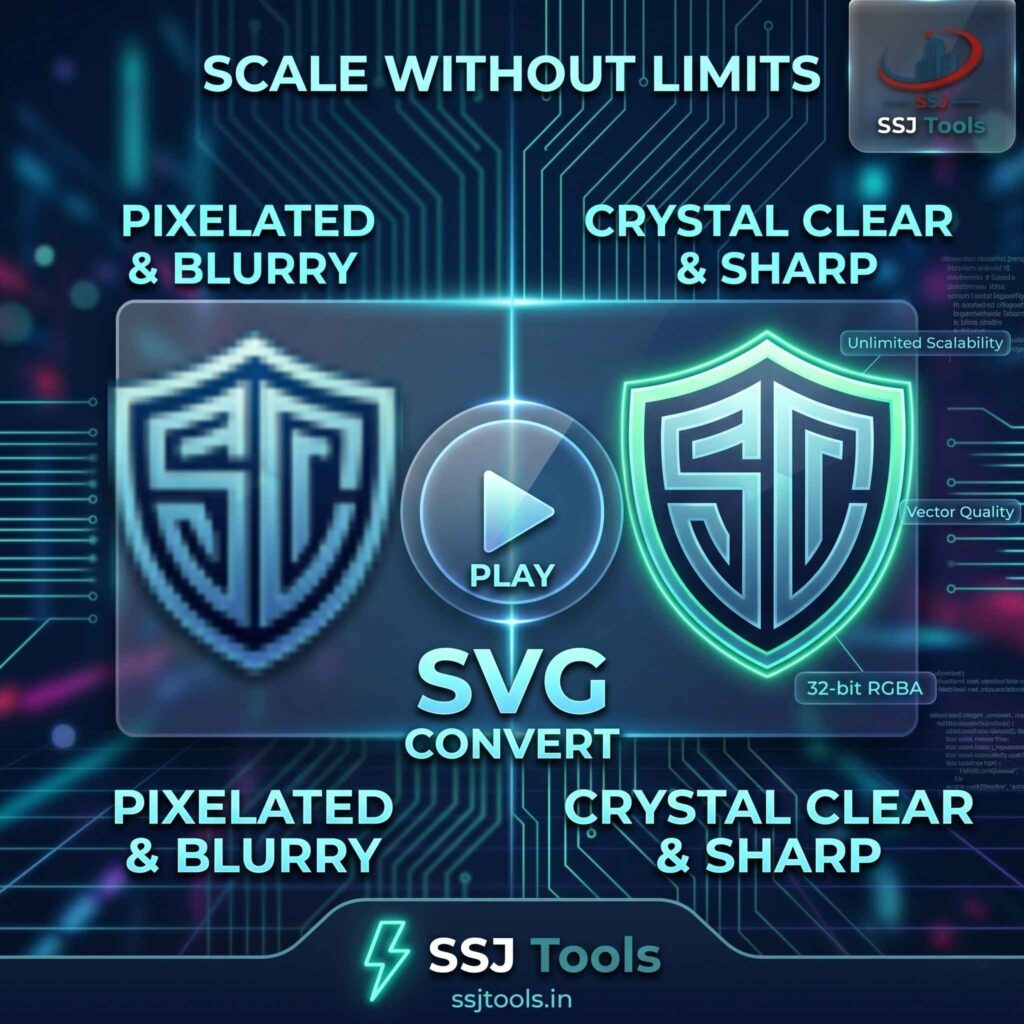
If you have ever tried to enlarge a small logo only to find it turning into a blurry, pixelated mess, you’ve experienced the limitations of raster graphics. In the modern digital landscape, static images often fail to meet the high standards of responsive design. Our image to SVG converter solves this problem by transforming your standard photos into a scalable vector graphics format that remains crisp at any size.
Whether you are looking for an online image to SVG converter to improve your website’s performance or a free image to SVG converter to prepare files for a cutting machine, the SSJ Tools platform provides a seamless, secure, and professional-grade solution.
The Resolution Crisis: Why Your Raster Graphics Fail on Modern Screens
The high-DPI challenge: Why PNGs look blurry on Retina displays
In my experience working with high-traffic SaaS platforms, the most common visual error is using low-resolution PNGs on high-DPI (Retina) screens. Standard raster images are made of a fixed grid of pixels. When viewed on a 4K monitor or a modern smartphone, these pixels stretch, causing “fuzziness.” This is why a photo to SVG converter is essential; it moves your assets away from fixed pixels and into mathematical paths.
The “Infinite Scale” advantage of the SVG coordinate system
An SVG doesn’t “remember” pixels; it remembers instructions. When you use an image to svg file converter, you are essentially creating a map. Whether you display that map on a postage stamp or a billboard, the browser recalculates the lines. In practice, this means your logos and icons stay perfectly sharp regardless of the zoom level.
Bridging the gap between static photography and fluid web design
Responsive design requires images that adapt. Using a vector image converter allows designers to create “fluid” visuals. By converting your svg into jpg alternatives (or vice versa), you ensure that your site looks professional to every visitor, regardless of their device.
Inside the SSJ Vectorization Engine: A Technical Deep-Dive
How our tool maps XML paths to your source imagery
Our svg conversion tool works by analyzing the color data and boundaries of your uploaded image. It then generates an XML-based coordinate system. Instead of storing color values for a million dots, the output file describes the shapes. This raster to vector converter logic is what allows the file to be so lightweight yet powerful.
Understanding Data URI embedding: Keeping your assets portable
A unique feature of our online SVG converter is how it handles data. By using Data URI embedding, the tool can wrap your image data directly into the SVG code. This makes it incredibly easy to convert an image to svg and drop it into your HTML without worrying about broken file paths.
Sector-Specific Workflows: How to Use Our Converter Effectively
For Web Developers: Streamlining asset delivery and reducing CLS
For most developers, page speed is king. Using an image SEO tool like this helps reduce Cumulative Layout Shift (CLS). Because SVGs have defined aspect ratios in their code, the browser knows exactly how much space to reserve, preventing the page from “jumping” as it loads.
For Brand Designers: Creating high-fidelity logos for large-format printing
If you need to convert image to svg for logos, our tool is a lifesaver. Designers often receive low-quality assets from clients. Using this image converter to svg helps create a workable base for high-fidelity printing or large-scale digital branding.
For DIY Makers: Preparing clean files for Cricut and CNC laser cutting
We see many users who want to convert image to svg for cricut. Hobbyists use our free SVG maker to turn simple drawings or silhouettes into the path-based files required by vinyl cutters and CNC machines.
Why SSJ Tools Is the Strategic Choice for Digital Assets
What I’ve observed in the industry is a move toward “client-side” utility. SSJ Tools is a secure online image to SVG converter tool because the processing happens in your browser.
Zero-cost professional output: This is a free online SVG tool—no subscriptions or hidden credits.
Privacy First: Since it is a secure image to SVG converter, your private images are not stored on our servers.
Clean XML output: Our engine focuses on a web image optimizer approach, ensuring the code is lean and doesn’t include unnecessary metadata that slows down your site.
Pro-Tips for SVG Optimization
Further Compression: After you convert images to svg, use a tool like SVGO to minify the XML code further for maximum speed.
CSS Integration: You can use your new file as a CSS background-image. This is a great way to handle svg image download from url requirements within your code.
Managing ViewBoxes: Always check the
viewBoxattribute. It ensures that your scalable vector graphics maintain their internal proportions when the container size changes.
The Knowledge Hub: SVG Conversion FAQ
Is it possible to convert a complex photo into a true path-based vector?
Our tool wraps the photo in a vector container. While this allows for “infinite scaling” of the container, a complex photograph remains a raster object inside. For logos and icons, it creates a clean vector file generator output.
What image formats are supported for SVG wrapping?
You can convert PNG and JPG to SVG online easily. We also support WebP and other standard formats.
How do I use the SVG file for my Shopify or WordPress site?
Once you get your svg image download free from our tool, simply upload it to your media library. For WordPress, you may need a small plugin to enable SVG uploads for security reasons.
Will converting to SVG improve my Core Web Vitals?
Yes. Using an image SEO tool to create SVGs can improve “Largest Contentful Paint” (LCP) because the files are often smaller and load faster than high-resolution PNGs.
How to convert image to svg format for free?
Simply visit ssjtools.in, upload your file to the image to svg converter, and click convert. It is a fast online photo to SVG converter free of charge.
Ready to Scale Your Brand?
Stop letting pixelation ruin your professional image. Use our image to SVG converter online today to ensure your visuals stay sharp, fast, and responsive.
[Convert Your First Image Now]